

Service and returns create their own operational complexity. A customer calls about a damaged door, a missing part, a warranty issue, a return, or a repair that needs inspection before anyone knows the full scope.
When that work lives in someone’s inbox, notes, memory, or side conversations, the record gets blurry fast. OmniView Construct keeps service requests, RMAs, repair orders, time, notes, documents, customer history, and related job detail connected so teams can resolve issues without losing the context behind them.
Keep issues tied to the job
Connect service requests to the customer, order, project, and original work so the history is findable from the start.

Give returns a clear path
Track RMAs with item, vendor, reason, status, and resolution detail through whatever path the vendor requires.

Make repair work accountable
Assign people, track dates, log time, and complete repairs from one record connected to the issue that created the work.

Preserve the service history
Keep notes, documents, touchpoints, and decisions tied to the issue so the record survives the people who worked on it.
WORKFLOW
Built to resolve issues without losing context.
Create the service request
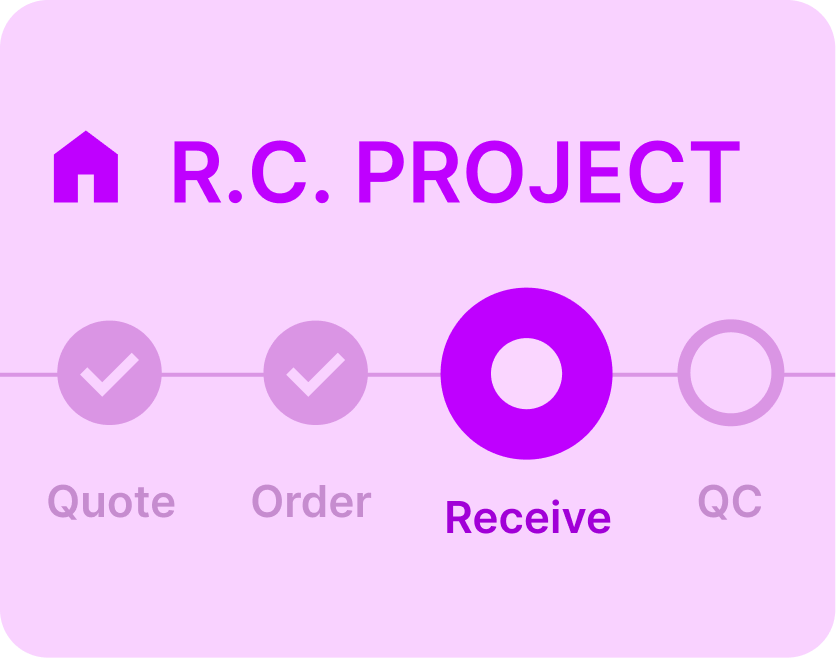
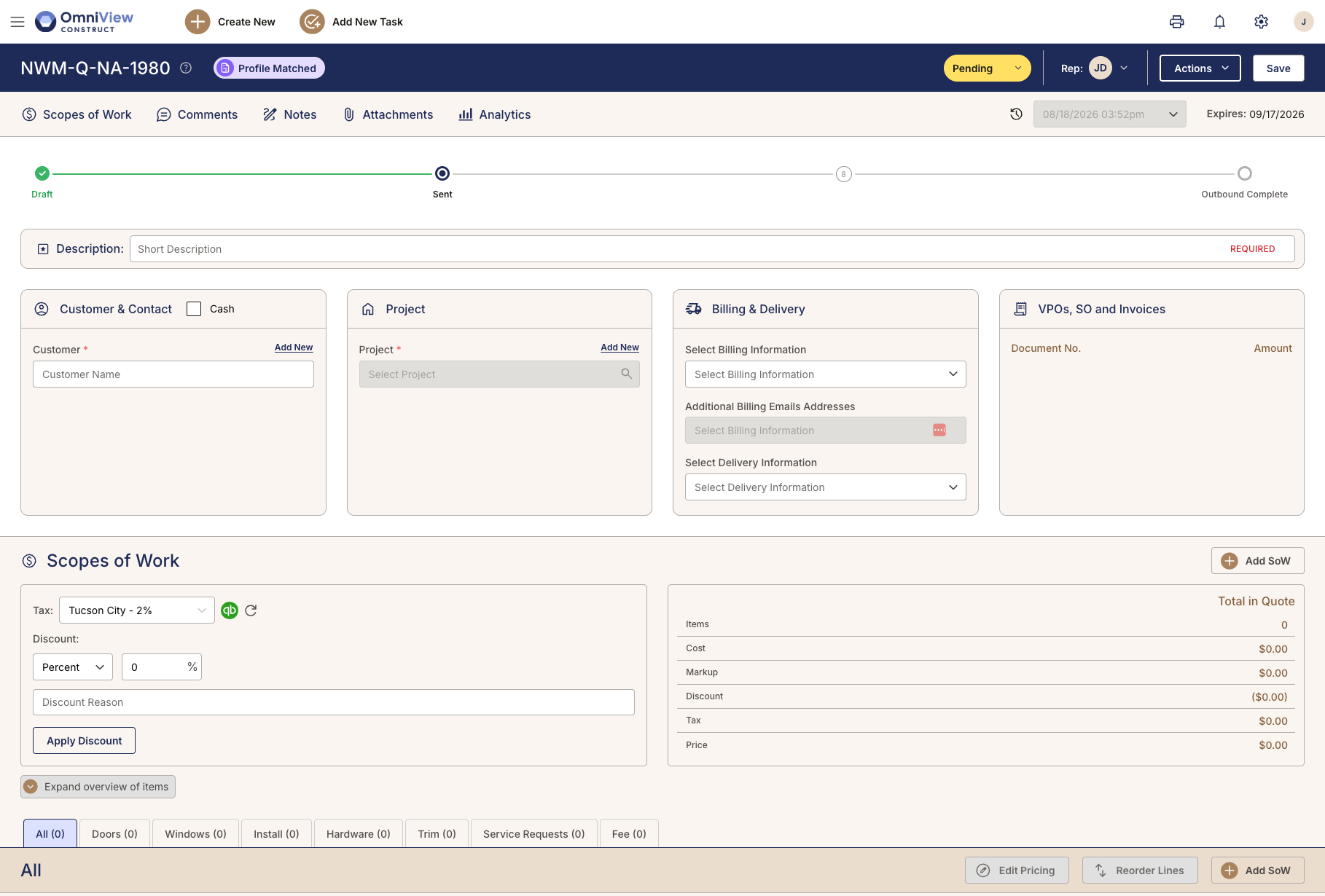
When a customer reports an issue, the service request connects to the customer, order, project, and job history. Teams can capture what happened, who owns the next step, and what needs review without turning the issue into an untracked note or side conversation.
Every issue starts with the full customer and job context.
Track inspection and follow-up
Service work often changes after inspection. Teams can record findings, note parts or vendor follow-up needed, update the request, and assign next steps, all tied to the same record as the issue moves forward.
Findings, follow-ups, parts, and owner history stay connected.

Move returns through RMA
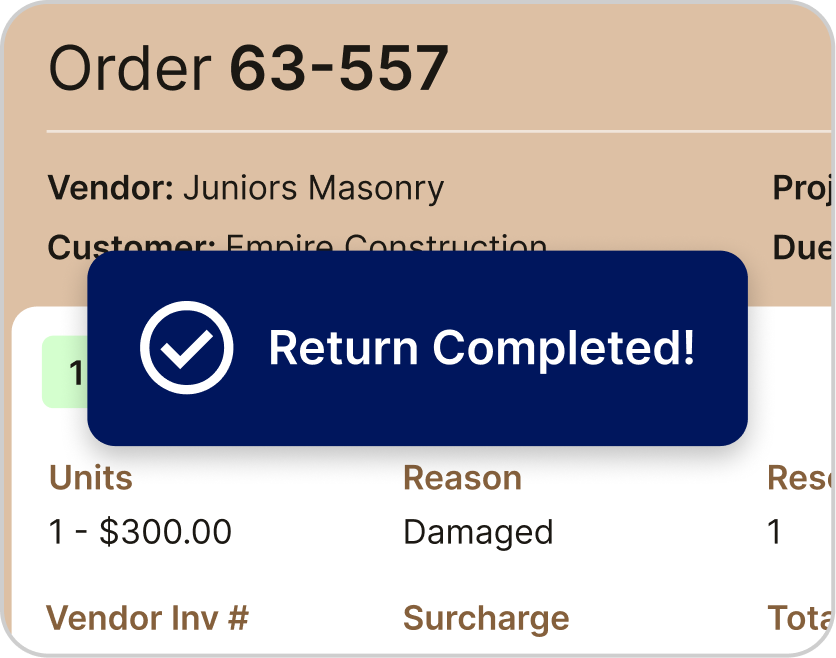
Returns follow different paths depending on the vendor, item, condition, and resolution needed. OmniView’s RMA workflow supports inspection, credit, replacement, repair, vendor review, or another outcome without forcing every return through the same rigid sequence.
Every return can follow the path the resolution requires.
Send repair work to the shop
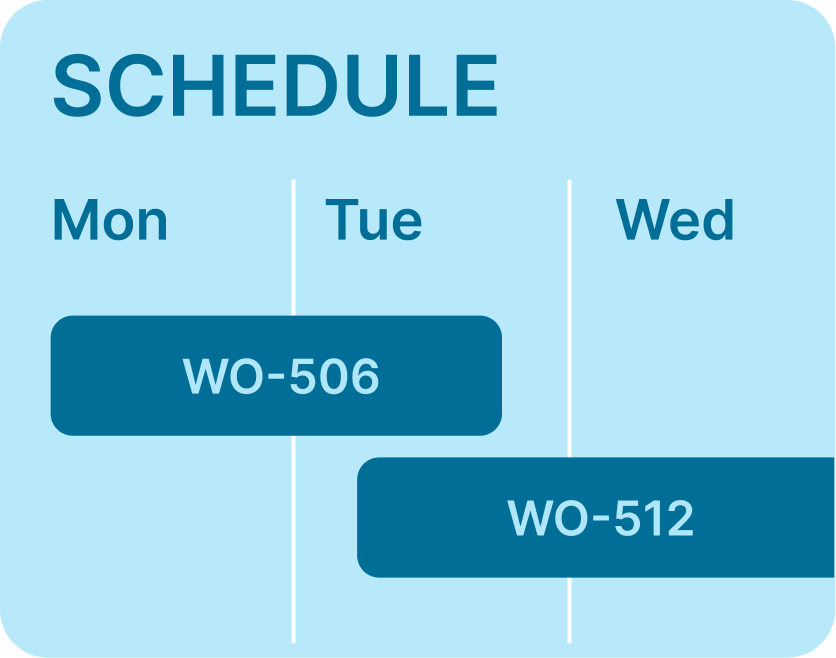
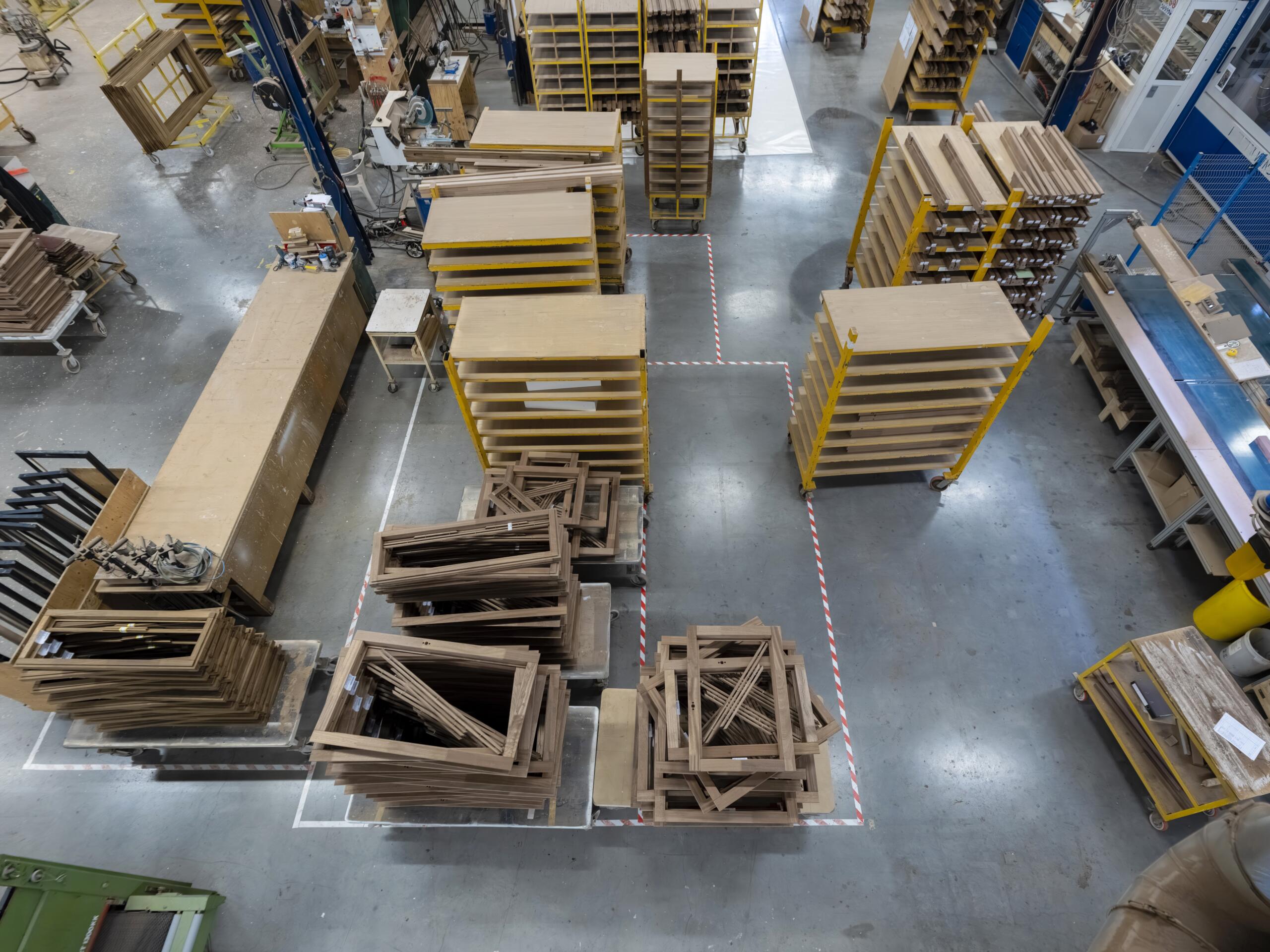
When an issue needs in-shop work, repair orders keep that work separate from standard production while staying tied to the original service or return record. Teams can assign responsible people, set dates, track time, and complete the repair with the issue history attached.
Repair work stays separate from production, but connected to the issue.

Close the loop with a searchable history
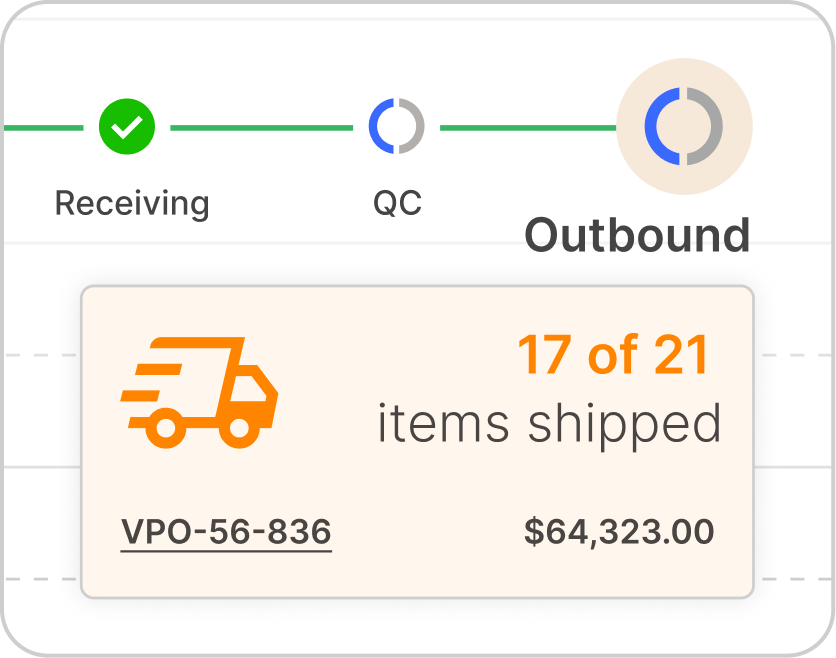
Notes, documents, touchpoints, time entries, status updates, delivery photos, and resolution detail stay with the service or return record. Teams can see what happened, who handled it, and what was resolved without reconstructing the issue later.
A documented timeline turns disputes into records.

See how OmniView keeps service accountable
Book a DemoFrequently Asked Questions
Yes. Service requests connect to the customer, order, project, and job history so teams have the context behind the issue without pulling it from separate records.
Yes. Warranty issues can be tracked with the related customer, order, vendor, and service history attached so teams know what is covered and what has already been done.
Yes. OmniView supports flexible RMA workflows so returns can move through the steps the situation requires, including inspection, repair, replacement, vendor review, or another resolution path.
Yes. When an issue requires shop time, repair orders can carry assigned team members, dates, time tracking, repair steps, and completion status connected to the original service request.
Yes. Time can be logged against service and repair activity, giving operations a clearer record of labor, progress, and completion.
Yes. Notes, documents, touchpoints, supporting files, and related delivery documentation can stay connected to the service, RMA, or repair record.
Yes. Service requests, RMAs, repair orders, and related activity can stay tied to the customer and project record so the post-sale history is easier to find when it is needed.



OmniView Construct integrates with QuickBooks via OAuth 2.0 with real-time, bi-directional sync—customers, products, estimates, invoices, and payments stay aligned automatically. Your accounting stays where it is; your operations finally connect.
Built API-first and included in every plan. Every entity is accessible via a fully documented REST API—no enterprise upsell required. Build custom dashboards, connect third–party tools, or extend the platform to fit your workflow, with secure access controls instead of direct database workarounds.