

Common LBM Problem
Custom work breaks rigid systems.
LBM products do not fit neatly into one standard set of fields. A door, window, trim package, or special order can carry different measurements, vendor requirements, options, approvals, pricing rules, and production steps depending on the customer, project, and supplier.
When the system cannot capture that detail cleanly, teams build workarounds. Custom fields move into spreadsheets. Vendor details live in PDFs. Production notes get handled in side conversations. The job may still move, but only because people are carrying the complexity outside the system.

OmniView Construct Solution
The system should fit the work
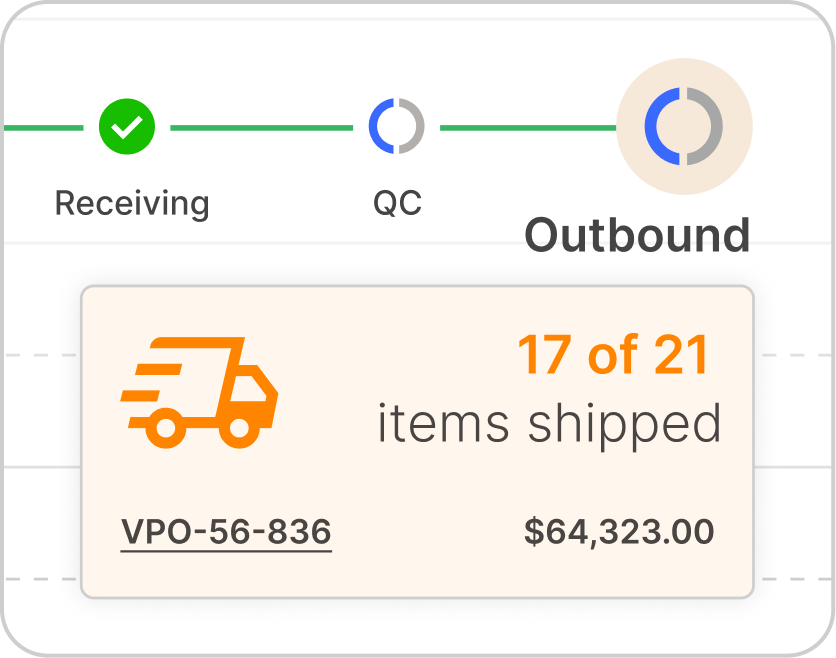
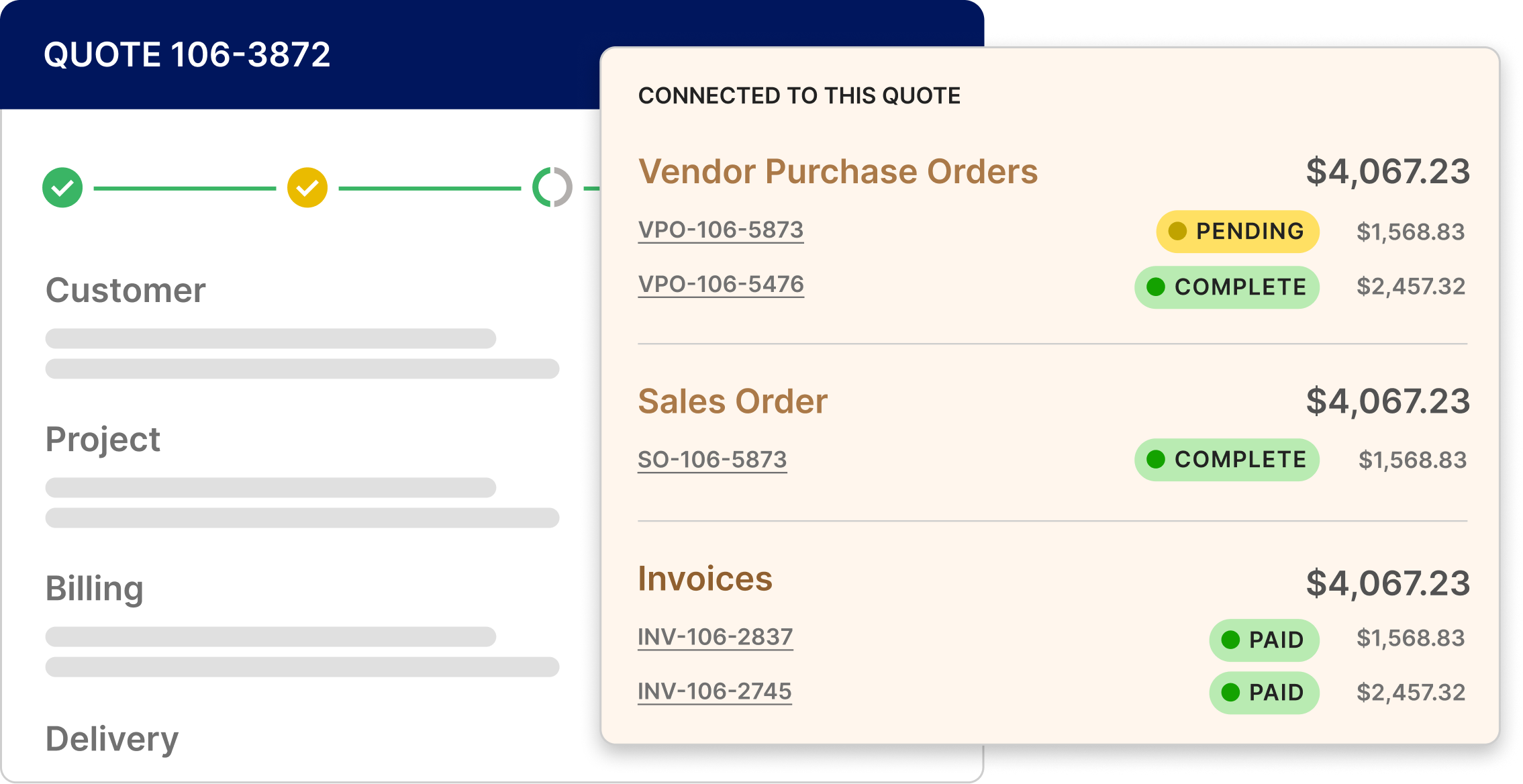
OmniView Construct keeps custom product detail, vendor requirements, and production steps connected to the order instead of scattered across tools, documents, and memory.
When the work does not fit a standard template, teams can still capture the detail, carry it forward, and move the job from quote to order to production without rebuilding the record by hand.
The OmniView Approach
Custom detail stays usable from quote to production.
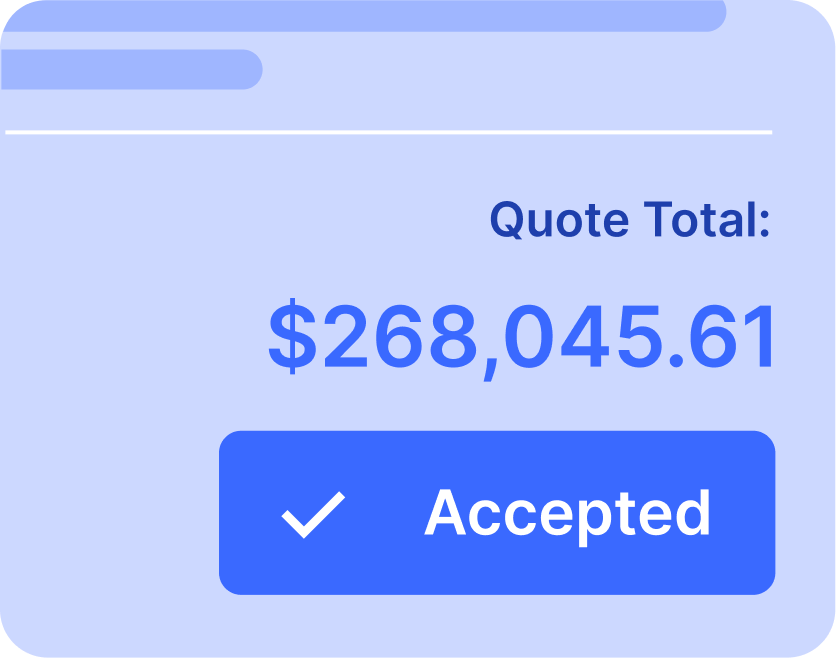
A custom door can carry 50 or more variables. A project covering multiple doors, windows, and hardware packages can generate a quote running dozens of pages, with different vendor requirements across the work. OmniView keeps that detail attached to the quote, order, and production record so teams can act on it instead of re-entering it or hunting it down later.
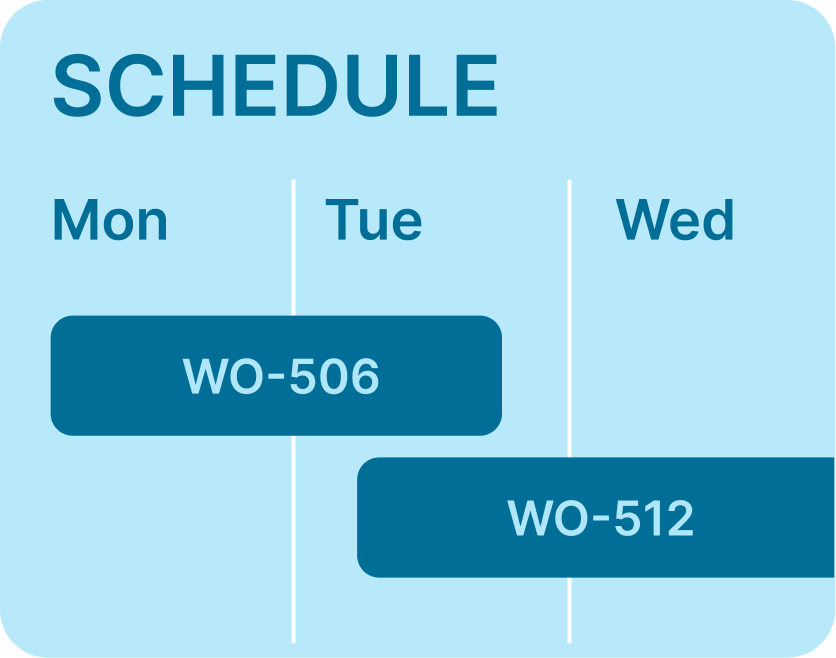
Production workflows can follow the sequence your shop actually uses, configured by product class so doors, windows, trim, and other custom work do not have to move through the same rigid path.

Custom product fields built around what you sell

Vendor requirements carried with the quote and order detail

Production workflows that follow your shop's sequence

Quote detail that carries into the order without re-entry
“OmniView has made running this business so much simpler. It’s built for the way we sell lumber and millwork, with quotes, orders, inventory and invoicing in one system instead of three. I can spend my energy moving the business forward instead of fighting the software.”

“This has taken so much frustration out of my day. Quotes become orders without retyping, and I can see what’s on hand without walking into the warehouse. When something didn’t work the way we needed, they changed it. It feels like we have a team behind us that actually listens.”
“My day just runs smoother now. The office schedules deliveries, I see what’s next on my phone, and nobody has to call to find out where I am. Less back-and-forth, less guesswork—I can get on with the job knowing we’re all on the same page.”