

Connect the tools your operation already runs. Extend from there.
OmniView connects with the accounting systems, vendor tools, and operational workflows your team already depends on. QuickBooks stays where accounting happens. For anything beyond the named integrations, a fully documented REST API — included with every plan — gives teams a secure path to connect additional tools, build custom dashboards, and extend the platform without a vendor engagement to unlock it.

QuickBooks
Real-time sync across customers, invoices, and payments.
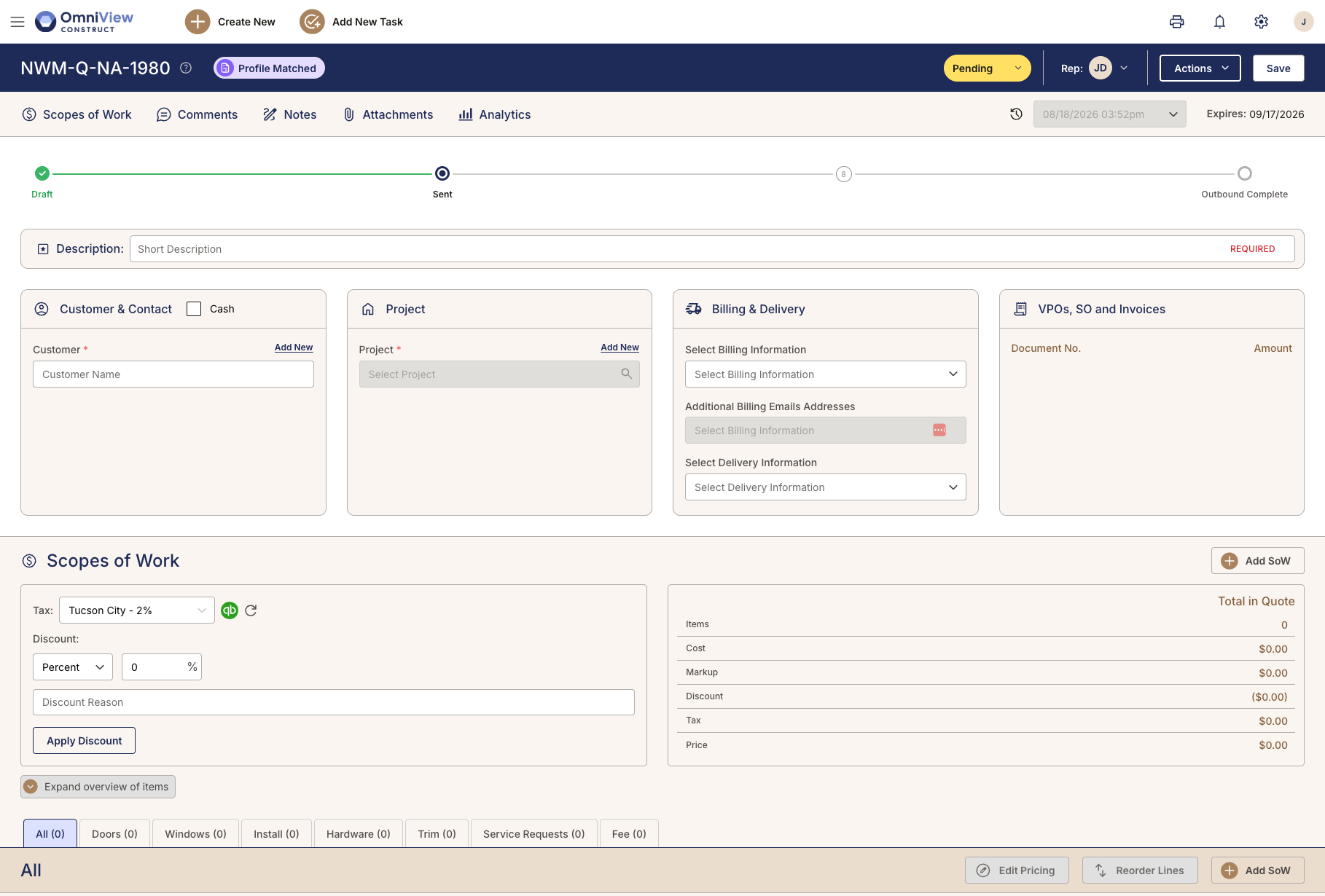
OmniView integrates with QuickBooks through OAuth 2.0 and real-time, bi-directional sync, keeping customers, products, estimates, invoices, and payments aligned as work moves through the platform.
Accounting stays in QuickBooks while OmniView connects the operational activity behind quotes, orders, invoices, payments, and labor.
Key capabilities
- OAuth 2.0 connection
- Real-time, bi-directional sync
- Customer, product, estimate, invoice, and payment sync
- QuickBooks Workforce for time tracking
- GL export for independent accounting workflows

Open REST API
Built API-first. Included with every plan.
Every OmniView entity is accessible through a fully documented REST API included with every plan, not locked behind an enterprise tier or priced as a separate add-on.
Teams can connect third-party tools, build dashboards, support reporting, and extend workflows through API keys and permission schemas instead of direct database queries.
Key capabilities
- Fully documented REST API
- Access to every OmniView entity
- Included with every plan
- API keys and permission schemas
- Full CRUD operations
- Auto-generated Swagger documentation
Custom Dashboards
Operational data in the views your team needs.
OmniView includes dashboards and widgets for daily operational use. When teams need ownership reporting, custom KPIs, or department-specific visibility, the API provides a structured path to build from connected OmniView data.
Key capabilities
- Role-specific dashboards and widgets
- API access for custom dashboard builds
- Connected operational data
- Third-party dashboard connections through the API
More Connections Coming
Built to keep extending.
OmniView is expanding its integration layer as customer needs grow. QuickBooks is the primary supported accounting integration today, with the API providing a secure path for additional systems, dashboards, reporting tools, and workflows.
Frequently Asked Questions
Most teams can connect QuickBooks through OAuth 2.0 during onboarding. Your OmniView contact walks you through the setup so the connection can be authorized through QuickBooks directly.
QuickBooks remains your accounting system. OmniView syncs supported records such as customers, products, estimates, invoices, and payments so accounting activity stays aligned with the operational record. Historical QuickBooks data stays in QuickBooks.
Yes. OmniView reports pull from connected operational activity across sales, purchasing, inbound, fulfillment, invoicing, and service, so teams can save and reuse reports without rebuilding them each week.
Yes. The REST API is built for technical implementation. OmniView provides documentation so developers can connect third-party tools, build dashboards, support reporting, or extend workflows through controlled access.
The REST API gives teams a path to connect additional tools and systems. For vendor-specific integrations, accounting systems beyond QuickBooks, or roadmap items, confirm current availability with your OmniView contact.
QuickBooks is the primary supported accounting integration today. OmniView’s API and reporting architecture provide a path for additional accounting workflows, but current availability should be confirmed with your OmniView contact.