

The sale is only the start. In LBM, an approved order still has to become real purchasing action, with the right vendors, materials, costs, and job details attached.
When that handoff depends on emails, spreadsheets, PDFs, or someone retyping quote detail, the operation loses time and accuracy at the moment it can least afford to. OmniView Construct keeps orders and purchasing connected so the details approved in sales can drive the next step without being rebuilt by hand.

Quote detail becomes order detail
Carry line items, pricing, customer details, and vendor references into connected orders without re-entry.

Purchasing starts with job context
Give purchasing the vendor, material, cost, and job details needed to act without chasing sales.

See what still needs ordering
Filter orders by purchasing status to catch missing VPOs before they slow the job down.

Keep orders connected downstream
Tie orders and purchasing activity to invoicing, fulfillment, and project records so teams stay current.
WORKFLOW
Built to move sold work into purchasing.
Carry the accepted quote into the order
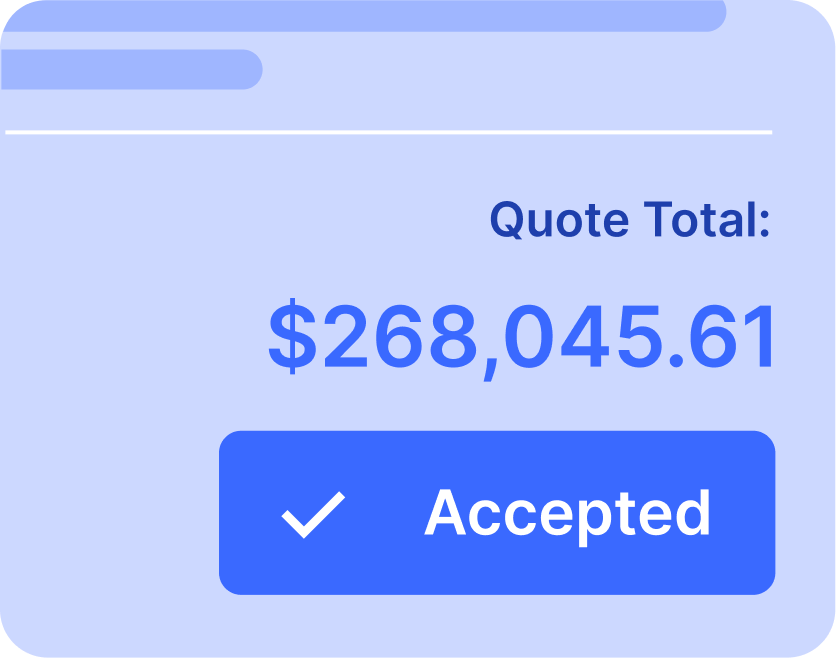
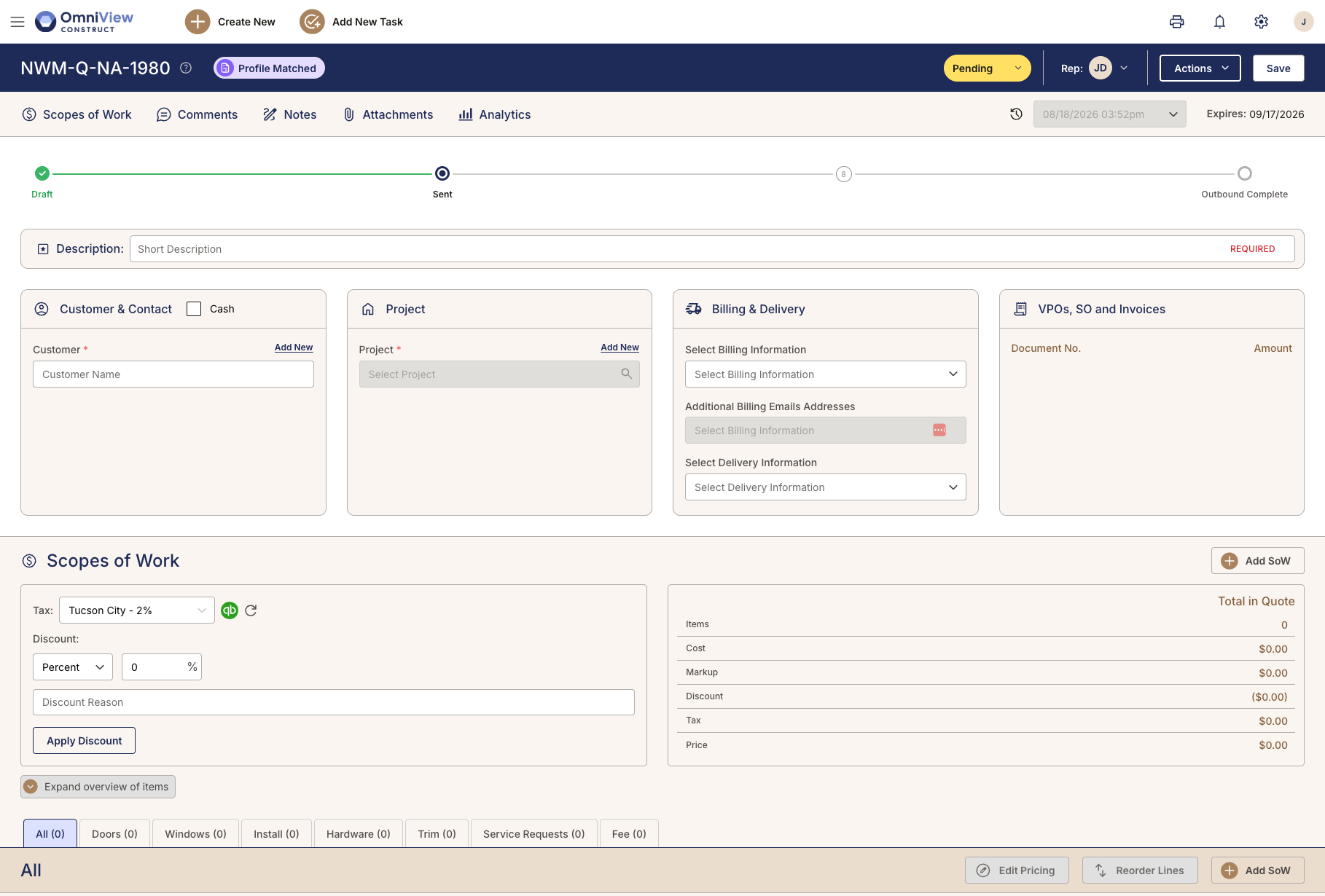
When a customer accepts a quote, OmniView carries approved line items, pricing, customer detail, vendor references, and project context into the order. Sales does not have to summarize what was sold. Purchasing does not have to rebuild the job from a forwarded email or verbal handoff.
Accepted quote detail carries into the sales order, including line items, pricing, customer context, and vendor references.

Create VPOs from real order detail
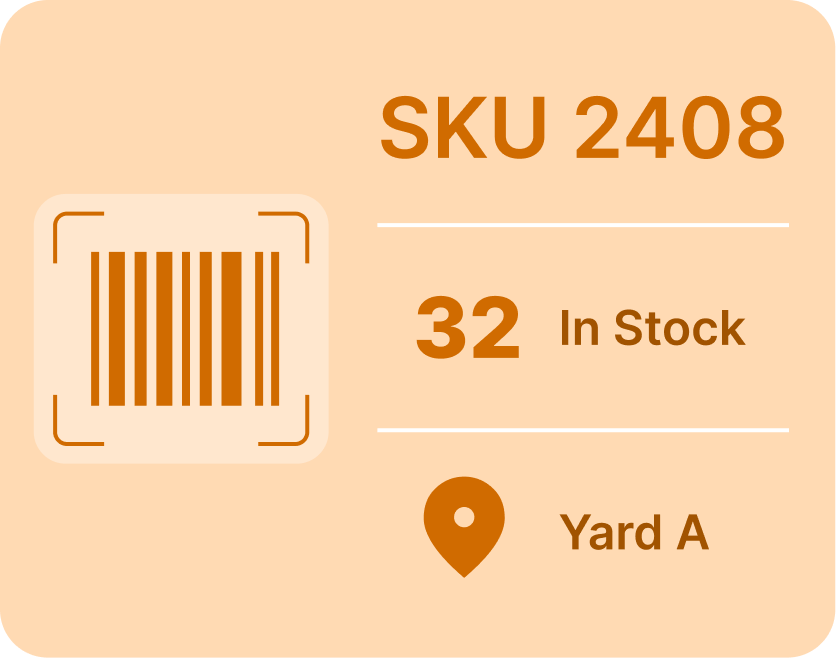
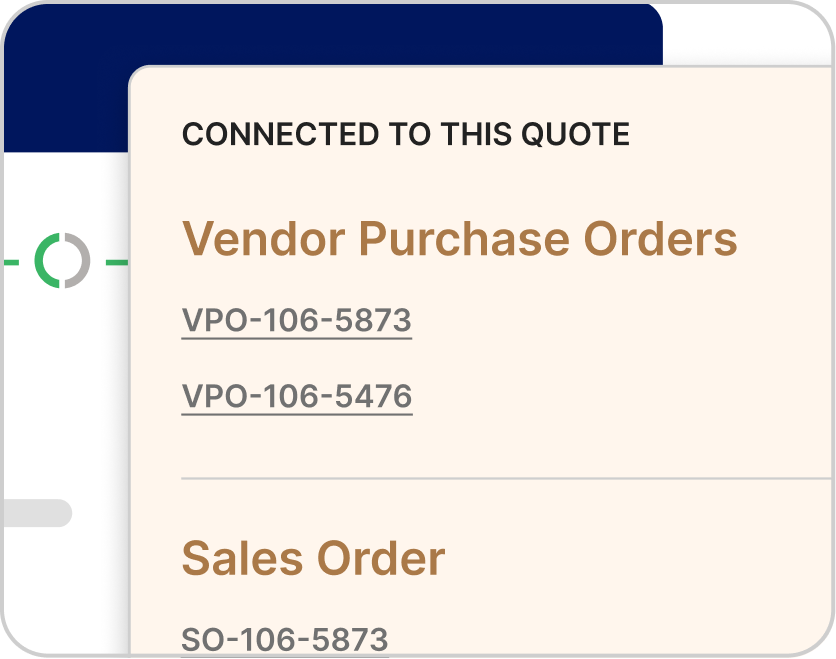
Build vendor purchase orders from the materials, quantities, vendors, and costs already tied to the sales order. Purchasing works from the connected record instead of a separate spreadsheet, forwarded PDF, or incomplete note from the sales team.
Back-to-back purchasing can represent up to 55% of revenue for larger dealers, so sales orders and VPOs cannot live apart.

See what still needs to be ordered
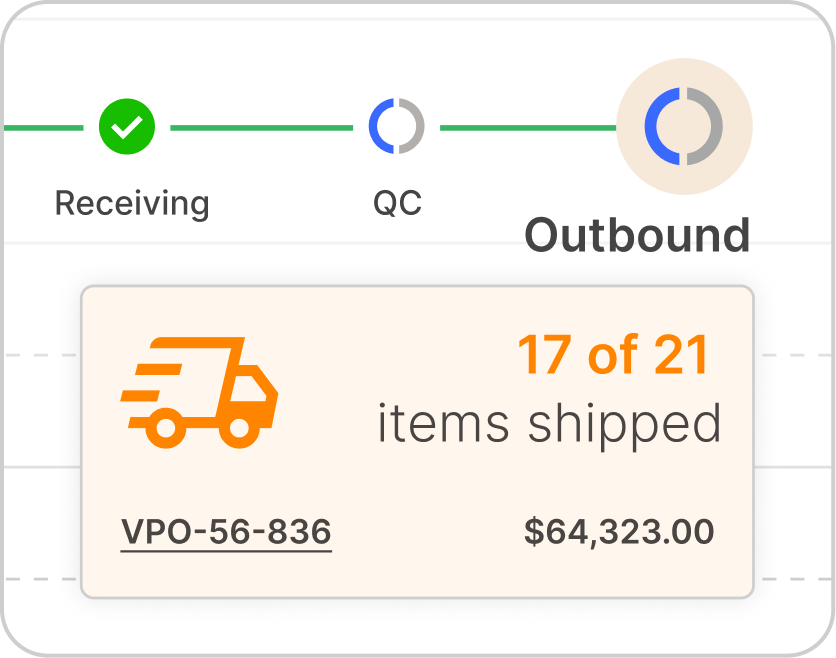
OmniView surfaces sales orders that do not yet have a corresponding vendor purchase order. Purchasing teams can see where the gap is and act before it becomes a customer problem, without asking sales or sorting through disconnected records.
Purchasing teams can see sold work that still needs follow-up before it slows the job down.

Prompt the right people until purchasing happens
When a sales order is created and the vendor purchase order has not followed, OmniView can prompt the right people until it does. Rules-based alerts and tasks keep purchasing accountable without requiring a manager to track every open item manually.
Rules-based tasks can prompt the right people when a sales order is created but the VPO has not followed.

Close the gap between sales and purchasing.
Book a DemoFrequently Asked Questions
Yes. OmniView helps purchasing create vendor purchase orders from the materials, quantities, vendors, and costs already tied to the sales order.
Accepted quote detail carries into the connected order, including line items, pricing, customer information, vendor references, and project context.
Yes. OmniView helps turn vendor documentation into usable quote detail, including pricing, markup, line items, and vendor-specific information. For large project quotes with doors, windows, hardware packages, and custom requirements, that can reduce a significant amount of manual entry.
Yes. OmniView generates a secure preview link so customers can review quote detail online. As the job changes, updates stay tied to the same record instead of creating another attachment or email thread to track down.
Yes. Quote changes stay tied to the same record, so sales teams can manage updates, pricing changes, approvals, and scope revisions without losing the current version. That matters in LBM, where quotes rarely stay the same from first draft to acceptance.
Yes. OmniView syncs estimates and quote detail to QuickBooks as quotes move through the pipeline, so accounting stays current without a separate entry step or manual reconciliation.
Yes. Vendor requirements, references, pricing detail, and documentation can stay organized inside the quote workflow, helping teams manage complex jobs without splitting information across separate documents, spreadsheets, or manual notes



OmniView Construct integrates with QuickBooks via OAuth 2.0 with real-time, bi-directional sync—customers, products, estimates, invoices, and payments stay aligned automatically. Your accounting stays where it is; your operations finally connect.
Built API-first and included in every plan. Every entity is accessible via a fully documented REST API—no enterprise upsell required. Build custom dashboards, connect third–party tools, or extend the platform to fit your workflow, with secure access controls instead of direct database workarounds.