

Common LBM Problem
The numbers exist. They just live everywhere.
LBM teams usually have the information they need somewhere in the business. Sales activity is in one place. Purchasing status is in another. Invoices, payments, inbound activity, service issues, and project history may all live in separate tools, spreadsheets, reports, or someone’s head.
When ownership asks for the numbers, someone has to rebuild the story by hand. Every week. The process does not get faster because the data does not get more connected. The report is accurate as of when it was built, and next week the work starts over.

OmniView Construct Solution
Reports start from the connected record.
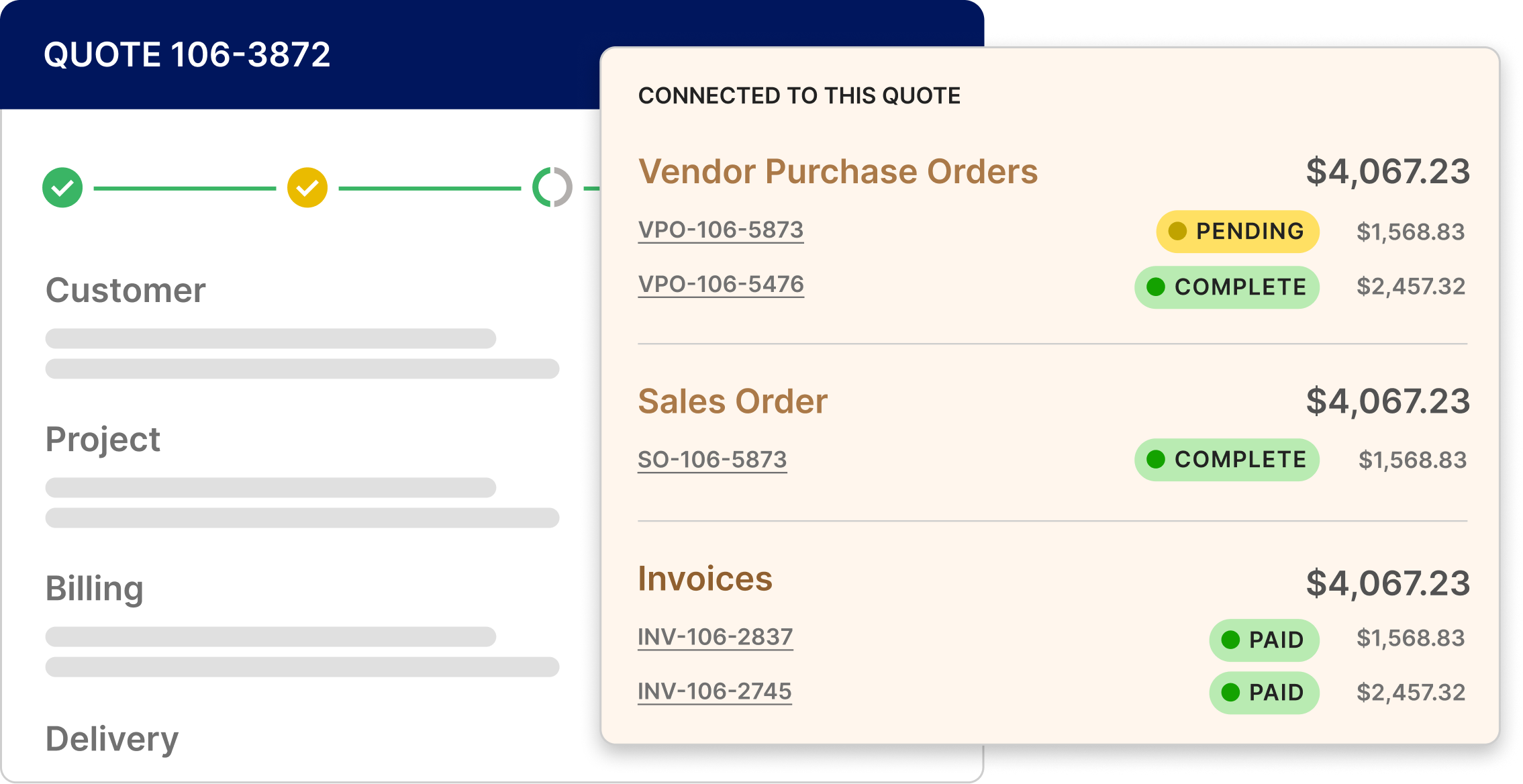
OmniView Construct keeps sales, purchasing, invoicing, project, customer, and operational activity tied to the same system of record, so reporting does not start with a scavenger hunt.
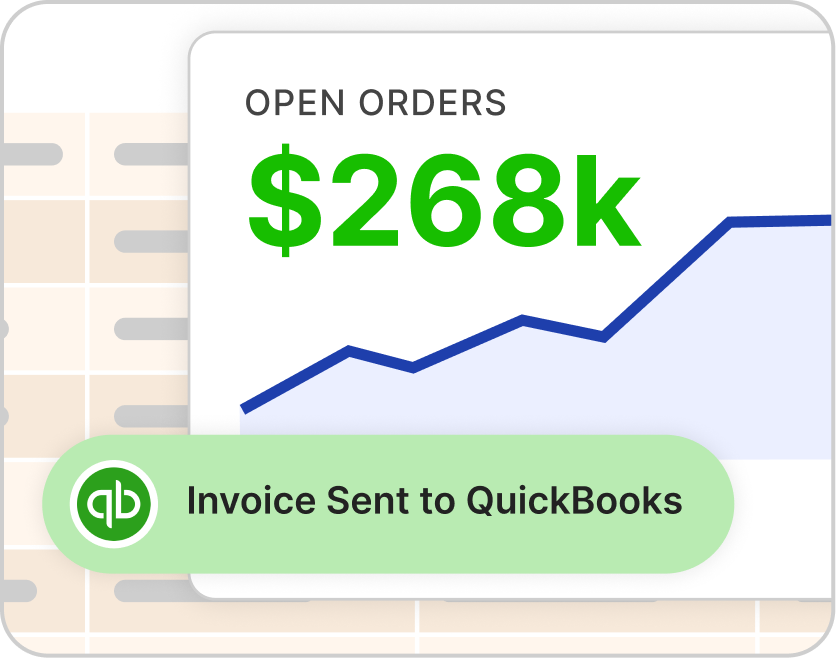
Teams can build and save reports, filter to the data that matters, surface headline numbers, and create printable outputs when the numbers need to leave the system. The weekly meeting no longer requires someone to spend the morning pulling together the story from scratch.
The OmniView Approach
Saved reports run from current data, not last week’s spreadsheet.
OmniView’s report builder pulls from the operational record the business is already generating across sales, purchasing, invoicing, inbound activity, service, projects, and customers. Filters, conditions, and condition groups help teams focus the report around the right slice of the business, from a customer or time window to a department, status, or workflow.
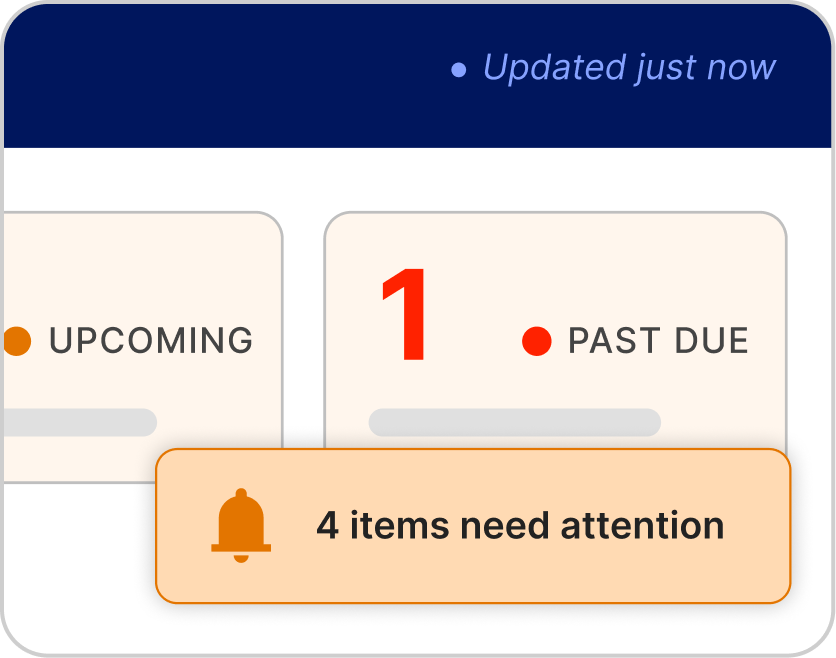
This is a different layer from daily operational visibility. Dashboards, views, and alerts show what needs attention right now. Reports show what happened, what changed, and what ownership needs to understand over time. Once the report is saved, the logic is there for the next meeting instead of being rebuilt in a spreadsheet again.

Saved reports replace weekly rebuilds.
Filters pull the data that matters.

Headline numbers surface faster.

Printable outputs support ownership updates.
Connected records reduce spreadsheet cleanup.
“OmniView has made running this business so much simpler. It’s built for the way we sell lumber and millwork, with quotes, orders, inventory and invoicing in one system instead of three. I can spend my energy moving the business forward instead of fighting the software.”

“This has taken so much frustration out of my day. Quotes become orders without retyping, and I can see what’s on hand without walking into the warehouse. When something didn’t work the way we needed, they changed it. It feels like we have a team behind us that actually listens.”
“My day just runs smoother now. The office schedules deliveries, I see what’s next on my phone, and nobody has to call to find out where I am. Less back-and-forth, less guesswork—I can get on with the job knowing we’re all on the same page.”