

In LBM, a quote sets up every team that touches the job after the sale. Purchasing needs vendor detail. Fulfillment needs product specifications. Accounting needs pricing and approvals.
When that information lives in a PDF, spreadsheet, or salesperson’s notes, every handoff creates another chance for re-entry, delay, or lost detail. OmniView Construct keeps the quote connected to the order, project, and record – so the same information that wins the job is the same information that ships it.

Product detail that stays with the job
Support custom fields, scope-of-work detail, and product variables without forcing every quote into the same template.

Product detail that stays with the job
Keep custom product details attached to the quote and order, not scattered across notes, spreadsheets, or memory.

Less time entering what vendors already sent
Turn vendor paperwork into quote-ready pricing, markup, and line-item detail without rebuilding complex submissions by hand.

Quotes that convert without starting over
Carry accepted quote details into sales orders so purchasing, fulfillment, and invoicing can keep moving.
WORKFLOW
Built to carry every detail forward
Configure quotes around the products you sell
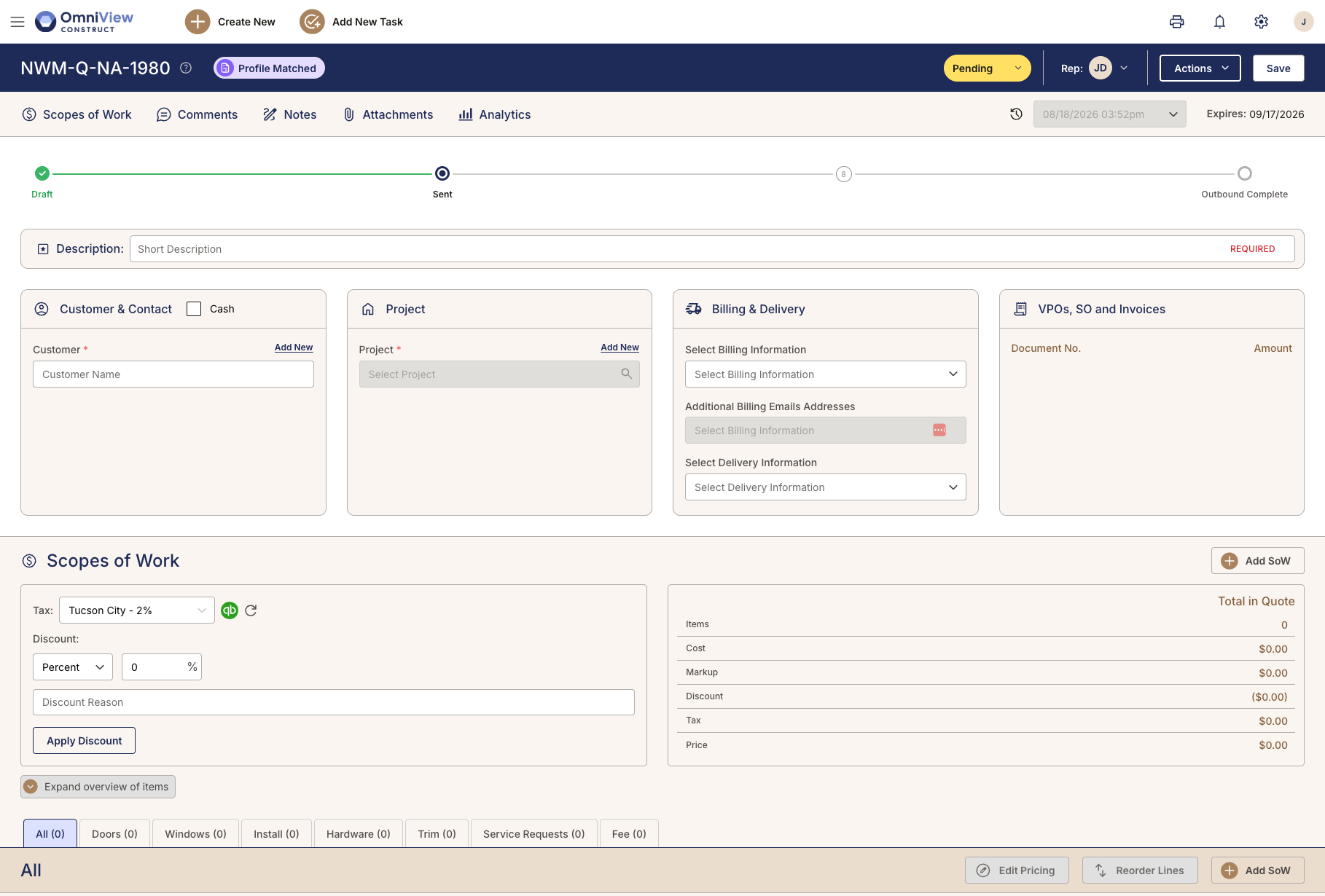
Start with the scope of work, then build the quote around the product details that matter for that job. Doors, windows, hardware, trim, installs, service work, and custom product types can each carry their own fields, requirements, and pricing logic.
A single custom door can involve 50+ variables. OmniView gives those details a structured place to live inside the quote.

Turn vendor paperwork into usable quote detail
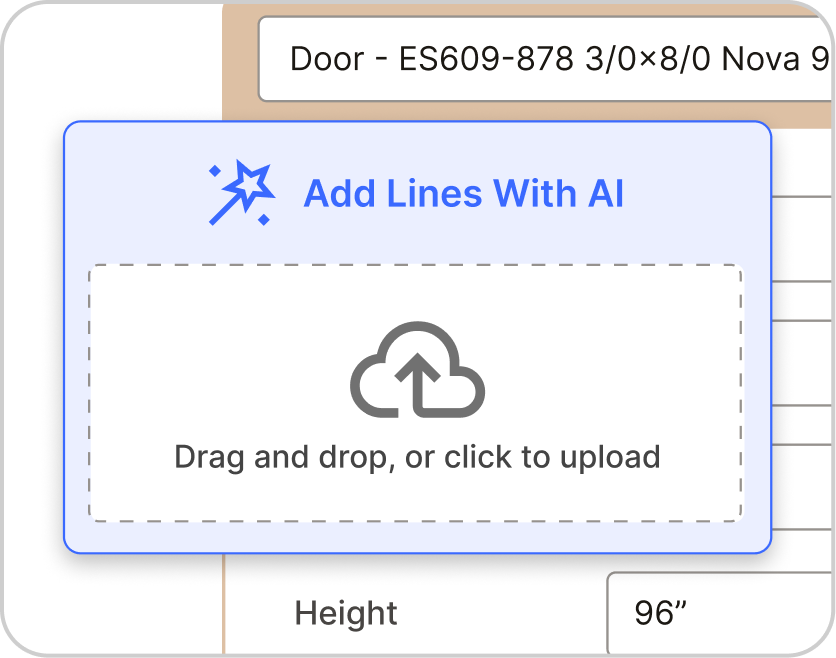
Vendor quotes arrive in their own formats, with their own codes, layouts, and naming conventions. OmniView helps pull pricing, markup, line-item detail, and vendor-specific information into the quoting workflow so sales teams are not rebuilding complex submissions by hand.
Large project quotes can run 60 pages when they include multiple doors, windows, hardware packages, and custom requirements. Document processing reduces what would otherwise be a full day of manual entry.

Share, revise, and stay on the current version
Share a secure customer preview, manage changes as the job evolves, and keep quote activity tied to the same record. Sales, customers, and internal teams can stay aligned without working from outdated PDFs, email threads, or spreadsheets.
Quotes in LBM rarely stay the same from first draft to acceptance. Version tracking keeps the record current without a new document every time something changes.

Convert accepted quotes without rebuilding them
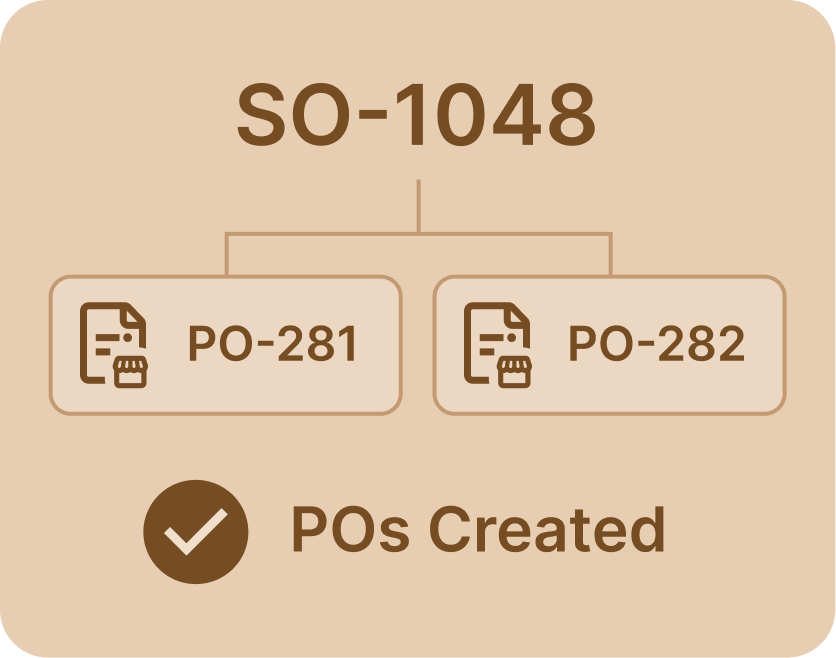
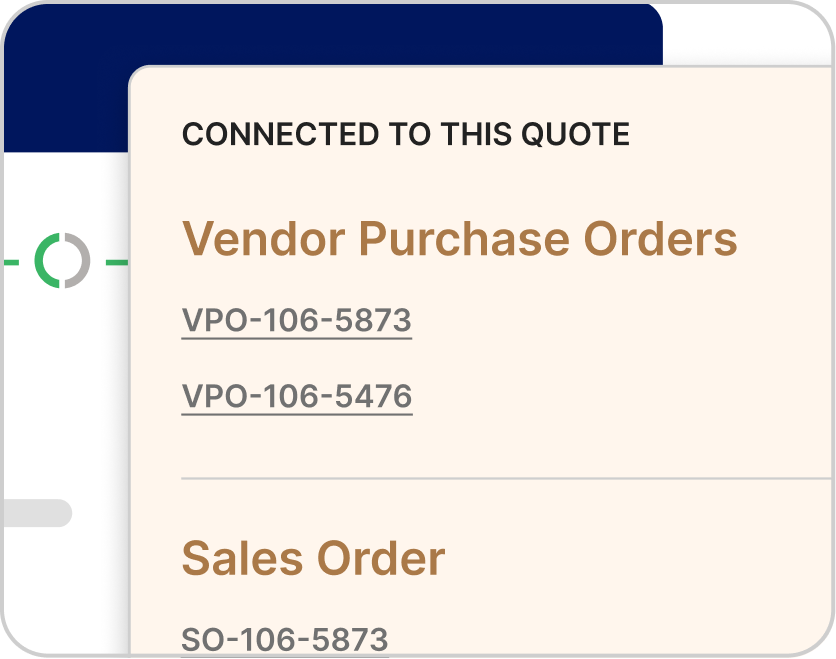
When a customer accepts, OmniView carries line items, pricing, customer detail, vendor references, and project context into the sales order. Purchasing, invoicing, and fulfillment pick up from there with the full picture—not a summary of what sales remembers.
Line items, frozen pricing, vendor references, and project context carry through automatically. Nothing gets re-entered at the handoff between quoting and the rest of the workflow.

See OmniView handle your complexity.
Book a demoFrequently Asked Questions
Yes. OmniView supports custom fields, scope-of-work detail, and product-specific variables for doors, windows, hardware, trim, installs, service work, and other custom product types. A single custom door can involve 50 or more variables, and OmniView gives those details a structured place to live inside the quote.
Accepted quote details carry into the sales order automatically, including line items, pricing, customer information, vendor references, and project context. Purchasing, invoicing, and fulfillment pick up with the full picture, not a summary of what sales remembers.
Yes. OmniView helps turn vendor documentation into usable quote detail, including pricing, markup, line items, and vendor-specific information. For large project quotes with doors, windows, hardware packages, and custom requirements, that can reduce a significant amount of manual entry.
Yes. OmniView generates a secure preview link so customers can review quote detail online. As the job changes, updates stay tied to the same record instead of creating another attachment or email thread to track down.
Yes. Quote changes stay tied to the same record, so sales teams can manage updates, pricing changes, approvals, and scope revisions without losing the current version. That matters in LBM, where quotes rarely stay the same from first draft to acceptance.
Yes. OmniView syncs estimates and quote detail to QuickBooks as quotes move through the pipeline, so accounting stays current without a separate entry step or manual reconciliation.
Yes. Vendor requirements, references, pricing detail, and documentation can stay organized inside the quote workflow, helping teams manage complex jobs without splitting information across separate documents, spreadsheets, or manual notes.



OmniView Construct integrates with QuickBooks via OAuth 2.0 with real-time, bi-directional sync—customers, products, estimates, invoices, and payments stay aligned automatically. Your accounting stays where it is; your operations finally connect.
Built API-first and included in every plan. Every entity is accessible via a fully documented REST API—no enterprise upsell required. Build custom dashboards, connect third–party tools, or extend the platform to fit your workflow, with secure access controls instead of direct database workarounds.