

In LBM, inventory is never just sitting on a shelf. Materials are ordered for specific jobs, received against vendor purchase orders, staged for fulfillment, reserved for customers, moved through the yard, and delivered on shifting timelines.
When that activity lives across spreadsheets, paper notes, disconnected systems, or someone’s memory, teams lose visibility fast. OmniView Construct keeps inventory, receiving, and fulfillment connected to the order, vendor purchase order, project, and customer record so every team can see what is available, what is committed, and what still needs action.

Know what arrived
Receive against VPO detail so teams see what came in, what is missing, and what needs follow-up.

See available versus committed
Track available, reserved, staged, and fulfilled materials so teams do not pull stock already tied to another job.

Keep fulfillment tied to the order
Give teams the order, customer, project, and delivery context needed to move materials to the right job.

Connect the yard and office
Keep sales, purchasing, operations, and fulfillment working from the same inventory activity, not scattered updates.
WORKFLOW
Built to keep materials visible as they move.
Send ordered materials to inbound
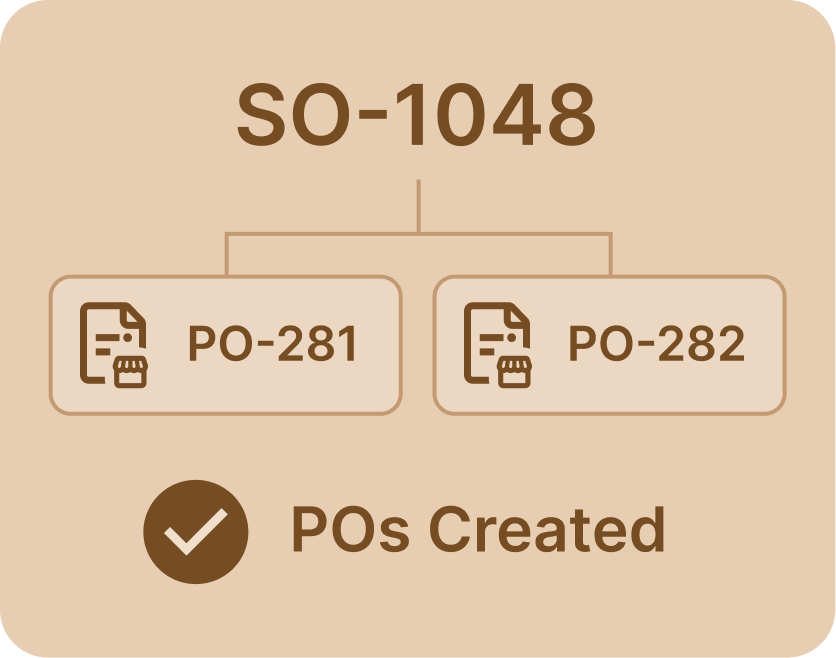
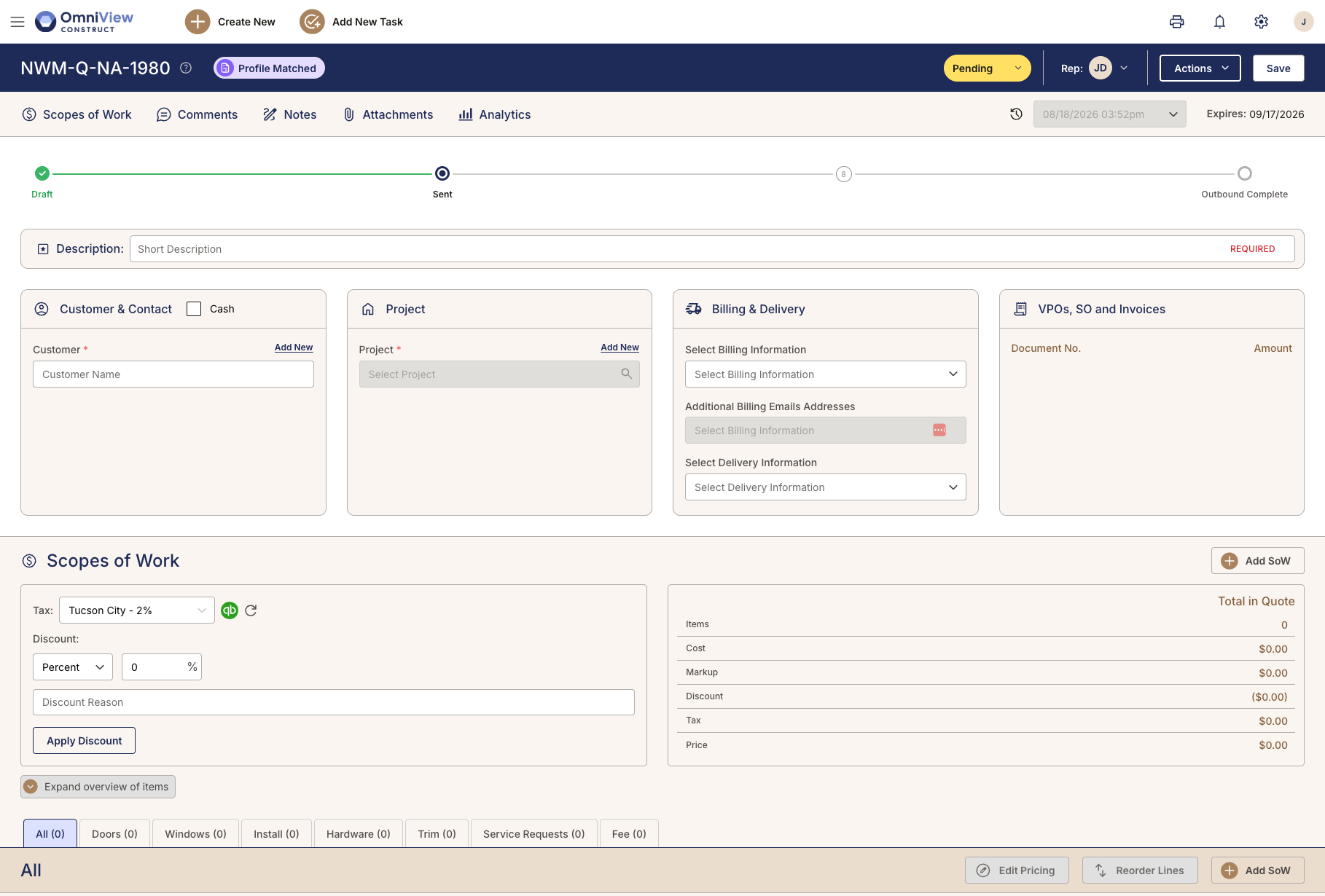
When a vendor purchase order is confirmed, OmniView sends it to the inbound queue. Materials from multiple vendors, arriving on different trucks at different times, land in one view instead of scattered paperwork handed across the office.
Expected materials land where the warehouse team works, with vendor, order, quantity, and arrival detail tied to the same record.

Receive against the purchasing record
Teams receive materials against the connected vendor purchase order so quantities, exceptions, and partial deliveries are recorded against what was actually ordered, not a separate receiving log.
Receiving against VPO detail helps teams catch missing or incorrect materials before they reach fulfillment, not after a customer calls about what did not show up.
Track what is available, reserved, and committed
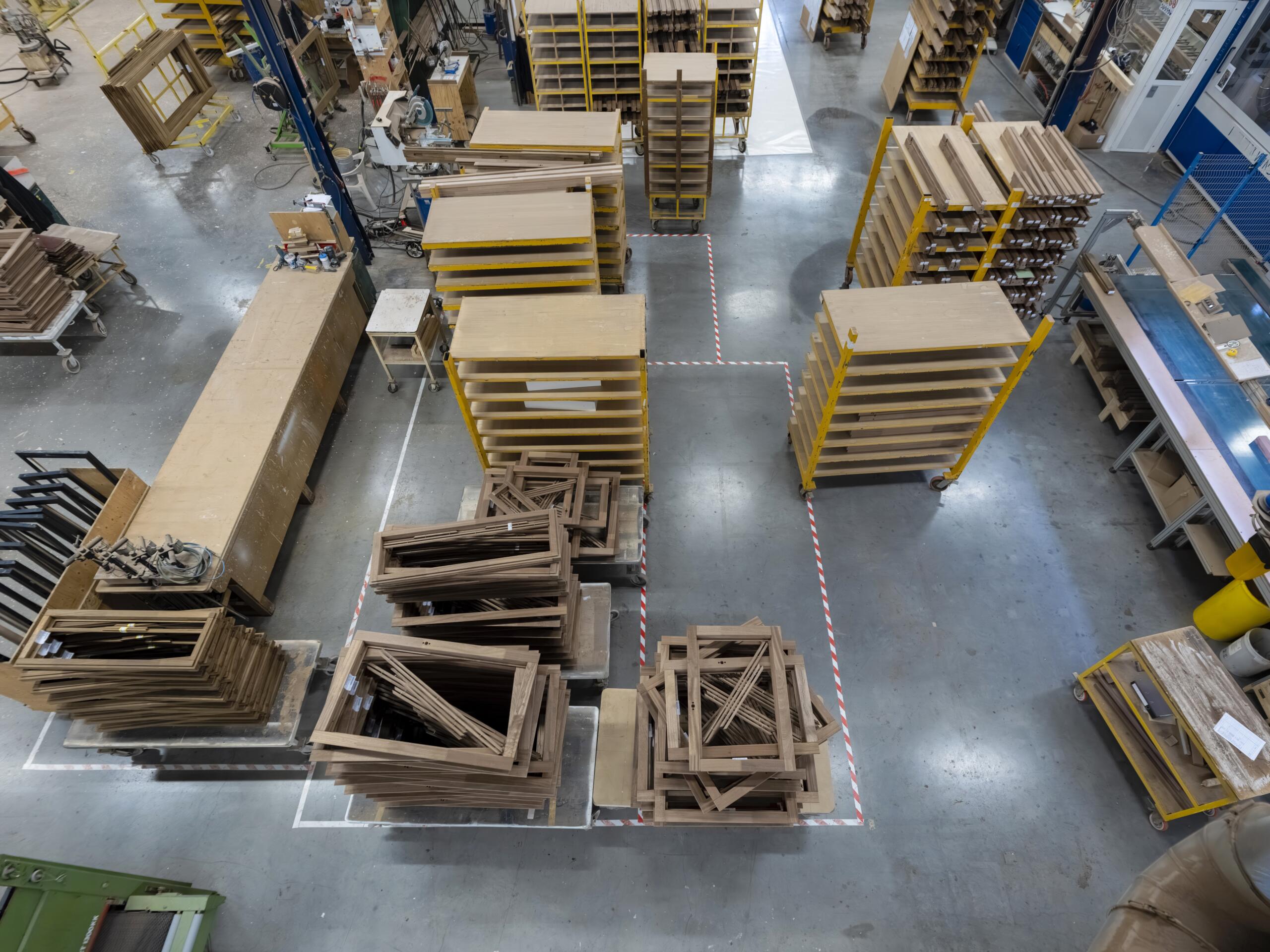
As materials move from receiving into stock, reservations, staging, or job-specific fulfillment, OmniView keeps status current so teams know what is free to use and what is already spoken for.
In LBM, the same material can be verbally promised to two jobs when availability lives in someone’s head. A connected inventory record keeps that from happening.

Manage held items without losing track
Contractors regularly ask dealers to hold materials at the warehouse rather than risk damage on the job site. OmniView tracks held items against the customer, order, and project record so the warehouse knows what is being held, for whom, and for how long.
Door screens, hardware, and other held materials stay attached to the job instead of becoming unidentified inventory in a crowded warehouse.

Connect fulfillment to the order and delivery
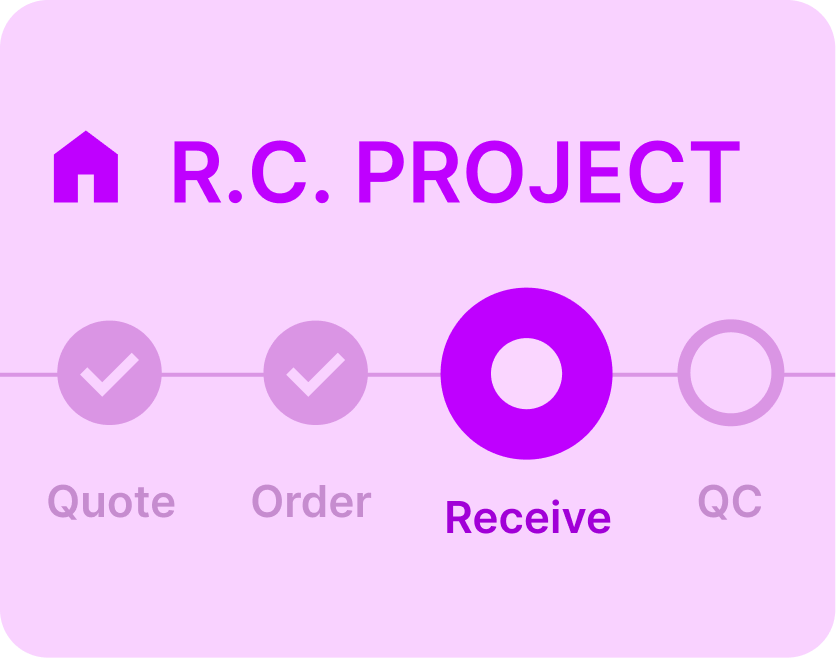
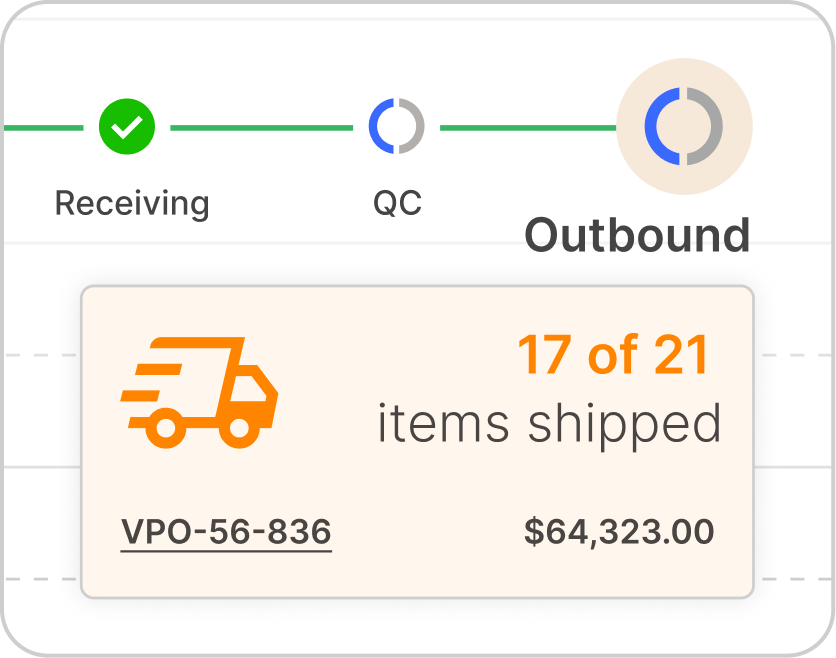
Fulfillment teams work from the same order, customer, and project context that purchasing and receiving used upstream so the handoff from warehouse to delivery does not require rebuilding what was already captured
A missing hinge can hold up an entire install. Connected fulfillment keeps small items visible through to delivery.

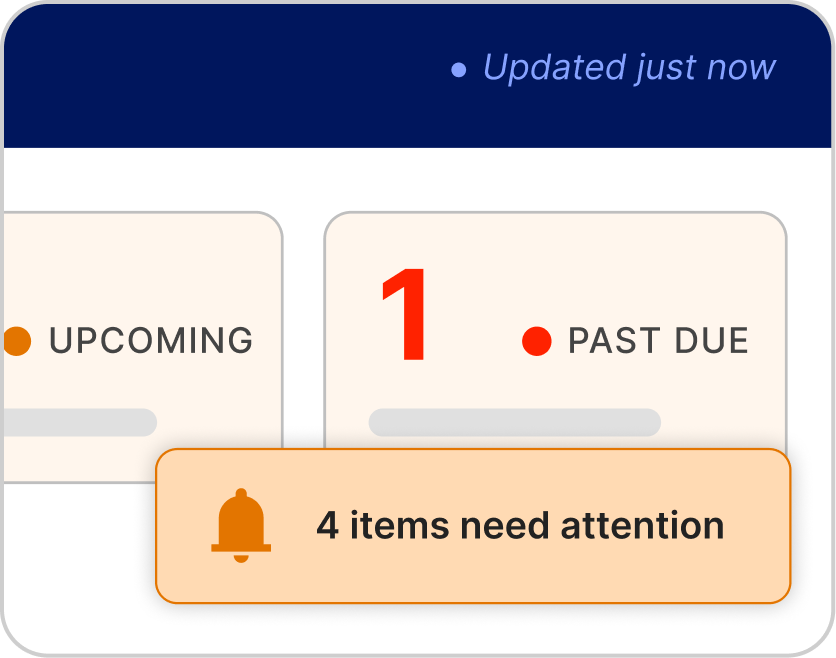
See what is available, committed, and moving.
Book a DemoFrequently Asked Questions
Yes. Teams can receive materials against the connected vendor purchase order, compare what was expected with what arrived, and record exceptions, partial deliveries, or missing items on the same purchasing record.
Yes. When a vendor purchase order is confirmed, OmniView can send it to inbound so the warehouse team sees what is coming, from which vendor, and what still needs follow-up without chasing purchasing or sorting through separate paperwork.
Yes. OmniView tracks inventory activity across available, reserved, staged, and fulfilled states so teams can see what is free to use and what is already tied to a customer order or project.
Yes. Held items stay connected to the customer, order, and project record, so the warehouse knows what is being held, who it belongs to, and how long it has been there.
Yes. Fulfillment teams work from connected order detail, customer context, project records, and delivery requirements, so they do not have to rebuild what sales, purchasing, and receiving already captured.
Yes. Inventory and fulfillment activity stays connected to project and delivery context so teams can see what needs to move, where it is going, and what still needs action.



OmniView Construct integrates with QuickBooks via OAuth 2.0 with real-time, bi-directional sync—customers, products, estimates, invoices, and payments stay aligned automatically. Your accounting stays where it is; your operations finally connect.
Built API-first and included in every plan. Every entity is accessible via a fully documented REST API—no enterprise upsell required. Build custom dashboards, connect third–party tools, or extend the platform to fit your workflow, with secure access controls instead of direct database workarounds.