

Production is rarely a simple checklist. A door shop may need to receive slabs, prep materials, drill, machine, pre-hang, assemble, finish, or route work through different teams depending on the product, vendor, customer, and job requirements.
When those steps live on paper travelers, whiteboards, or someone walking the floor for updates, production becomes harder to track and harder to trust. OmniView Construct keeps work orders tied to order detail, product requirements, team assignments, dates, time, and downstream fulfillment so the shop can move custom work without losing context.
Fit the workflow to the shop
Configure production stages around the work your team actually performs.

Keep job detail attached
Carry order, customer, product, vendor, and project context into each work order.

Track work by stage
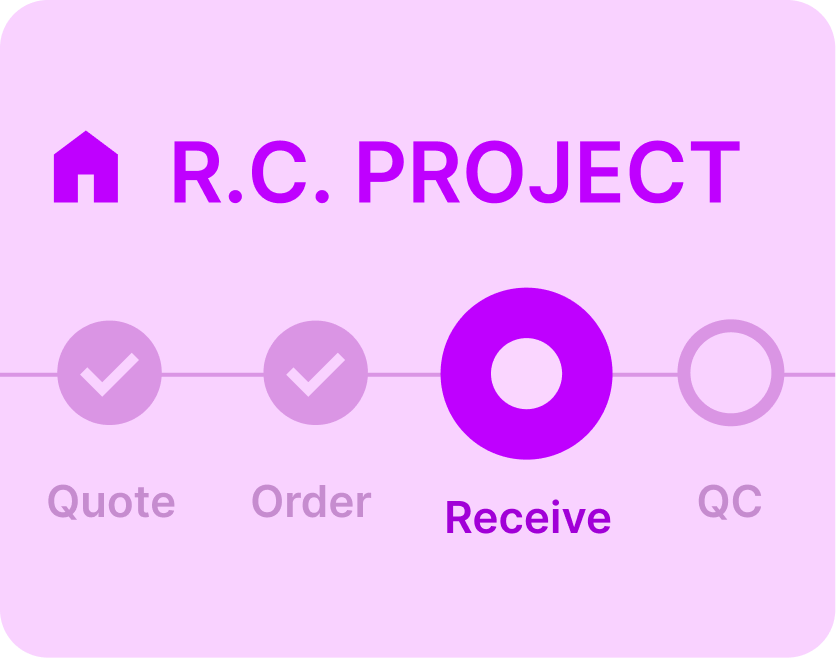
See what is waiting, active, assigned, completed, or holding up the next step at any point in the production run.

Capture accountability
Assign people, track dates, log time, and keep notes connected to the work.
WORKFLOW
Built to move custom work through the shop.
Turn order detail into shop work
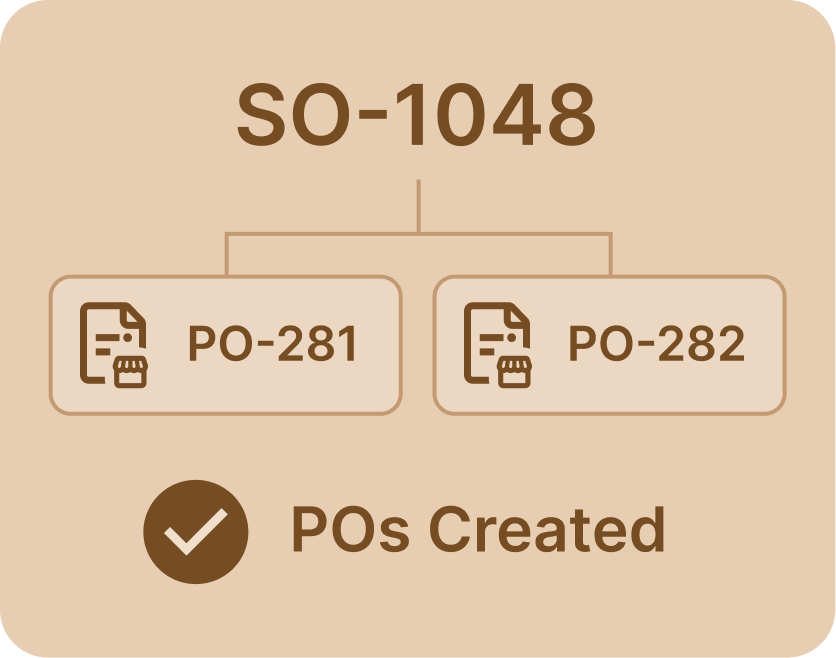
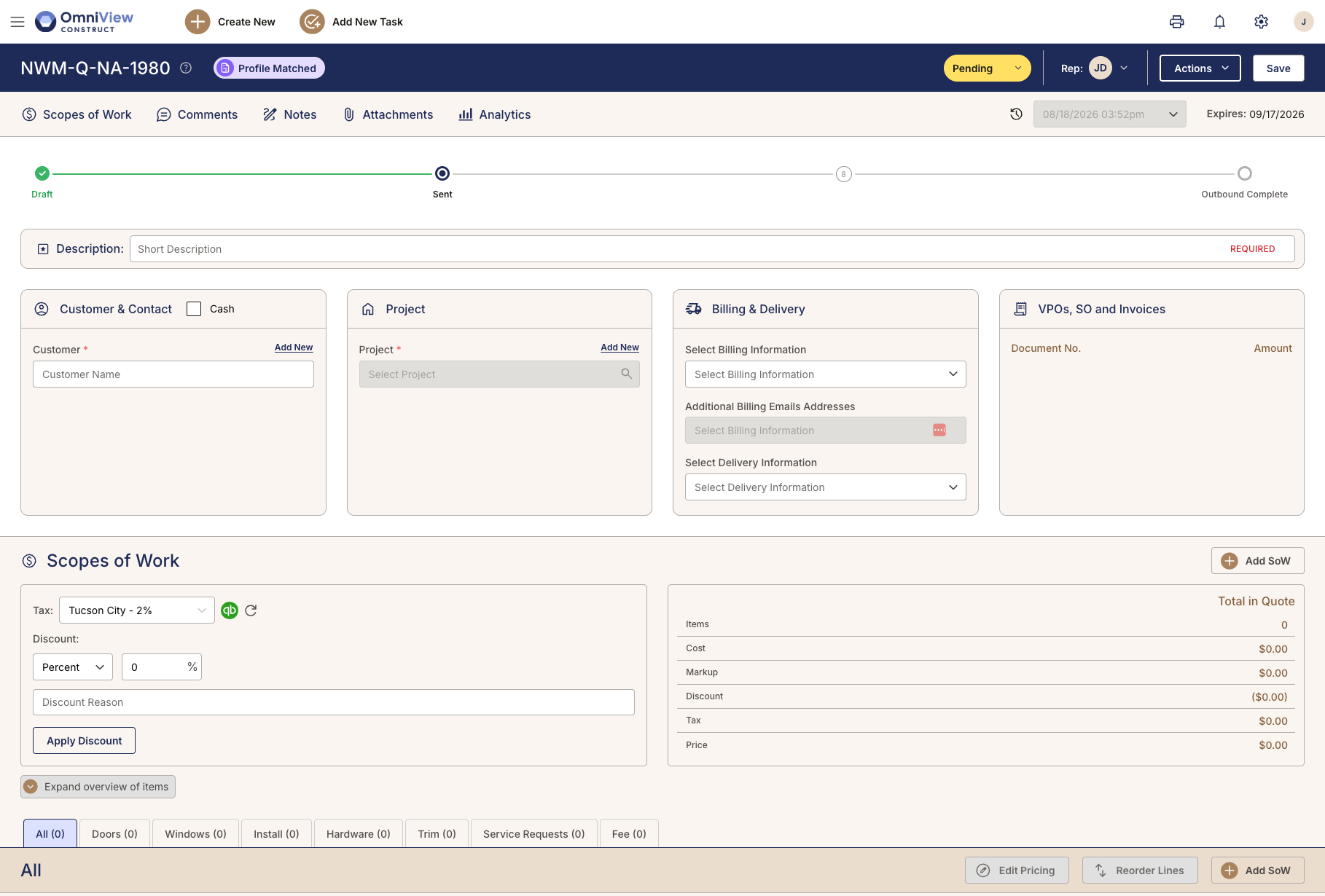
When sold work needs production, the work order stays connected to the order, customer, product detail, vendor context, and project record. The shop works from the same information sales and purchasing already captured, not a stripped-down handoff.
A single custom door can carry 50 or more variables. That detail needs to follow the job into the shop.
Route work through the right stages
Different products move through production differently. Doors, windows, trim, and repairs may each need their own sequence of steps, teams, and checks. OmniView supports workflows configured around how your shop actually moves work.
No two shops sequence production the same way. OmniView is configured around your process, not a generic manufacturing model.
Assign work and keep progress visible
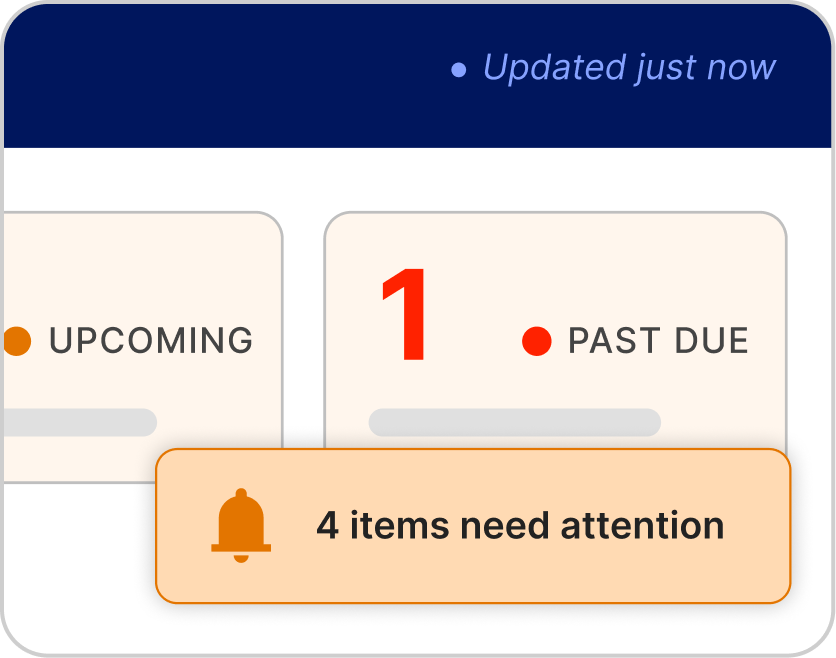
Teams can assign responsible people, dates, and next actions to each stage so work does not disappear once it reaches the shop. Managers can see what is active, waiting, completed, or starting to lag.
Assigned work, due dates, and stage status replace hallway check-ins as the way production stays accountable.

Track time, notes, and completion
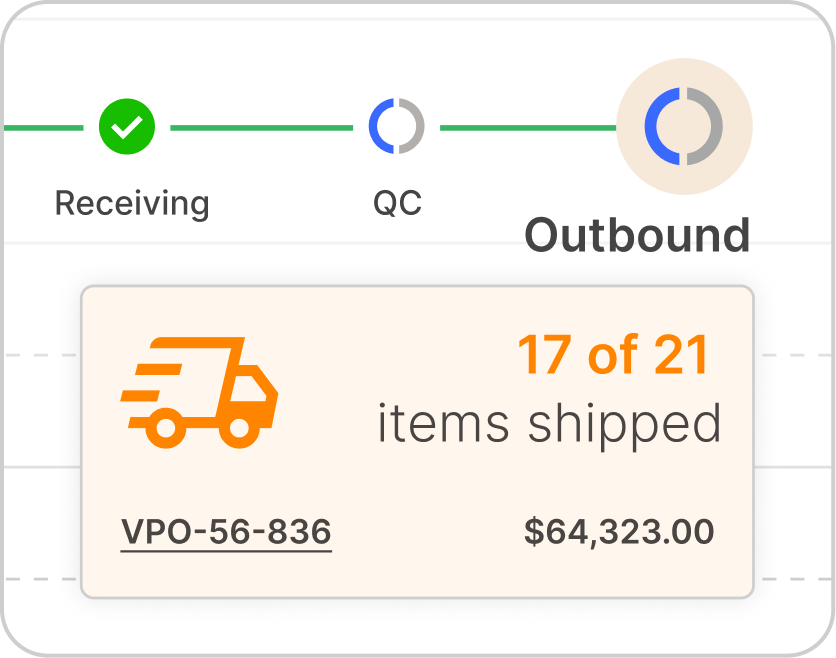
As work moves through the shop, teams can log time, add comments, and complete stages against the connected record. Operations gets a clearer view of labor, accountability, and readiness for fulfillment or delivery.
Time entries and notes show who worked on what, how long it took, and what happened next.

Handle repair work in its own workflow
Repair orders move differently from standard production, with their own stages, assignments, time tracking, and completion steps. When work comes back for service, it stays connected to the customer, order, and service request.
Repair work involves different people, parts, and timelines. Keeping it separate keeps both workflows clean.
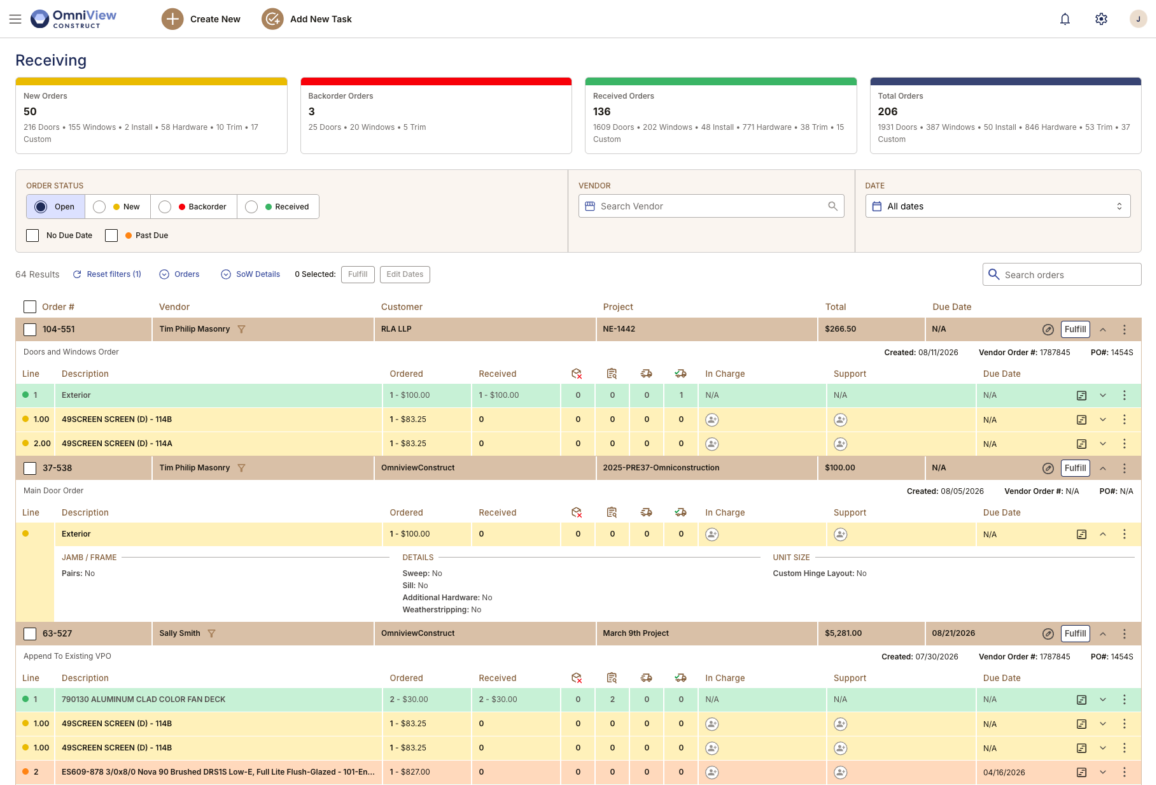
See how custom work moves through OmniView.
Book a DemoFrequently Asked Questions
Yes. Teams can receive materials against the connected vendor purchase order, compare what was expected with what arrived, and record exceptions, partial deliveries, or missing items on the same purchasing record.
Yes. When a vendor purchase order is confirmed, OmniView can send it to inbound so the warehouse team sees what is coming, from which vendor, and what still needs follow-up without chasing purchasing or sorting through separate paperwork.
Yes. OmniView tracks inventory activity across available, reserved, staged, and fulfilled states so teams can see what is free to use and what is already tied to a customer order or project.
Yes. Held items stay connected to the customer, order, and project record, so the warehouse knows what is being held, who it belongs to, and how long it has been there.
Yes. Fulfillment teams work from connected order detail, customer context, project records, and delivery requirements, so they do not have to rebuild what sales, purchasing, and receiving already captured.
Yes. Inventory and fulfillment activity stays connected to project and delivery context so teams can see what needs to move, where it is going, and what still needs action.



OmniView Construct integrates with QuickBooks via OAuth 2.0 with real-time, bi-directional sync—customers, products, estimates, invoices, and payments stay aligned automatically. Your accounting stays where it is; your operations finally connect.
Built API-first and included in every plan. Every entity is accessible via a fully documented REST API—no enterprise upsell required. Build custom dashboards, connect third–party tools, or extend the platform to fit your workflow, with secure access controls instead of direct database workarounds.