

LBM orders can involve deposits, partial payments, contractor draw schedules, high-dollar materials, change activity, and invoices that need to go out at the right moment. When financial detail is disconnected from the work, teams end up chasing updates, rebuilding invoices, or finding out too late that payment is already behind.
OmniView Construct keeps invoicing tied to the quote, order, customer, project, and payment rules. Invoices go out at the right time, structured the right way, and sync to QuickBooks automatically so accounting works from the same picture as operations.

Invoice from connected detail
Use quote, order, customer, project, and pricing detail already captured upstream — no re-entry at billing time.

Payment rules applied automatically
Set deposit thresholds and payment structures by order size and type so every invoice follows the right terms without a manual check.

Draw date timing that protects cash flow
Track when contractors can access funding and time invoices accordingly so payment windows do not close before the invoice arrives.

Keep QuickBooks aligned
Sync customers, products, estimates, invoices, and payments without duplicate entry or manual reconciliation between systems.
WORKFLOW
Built to close the financial loop.
Carry approved detail into invoicing
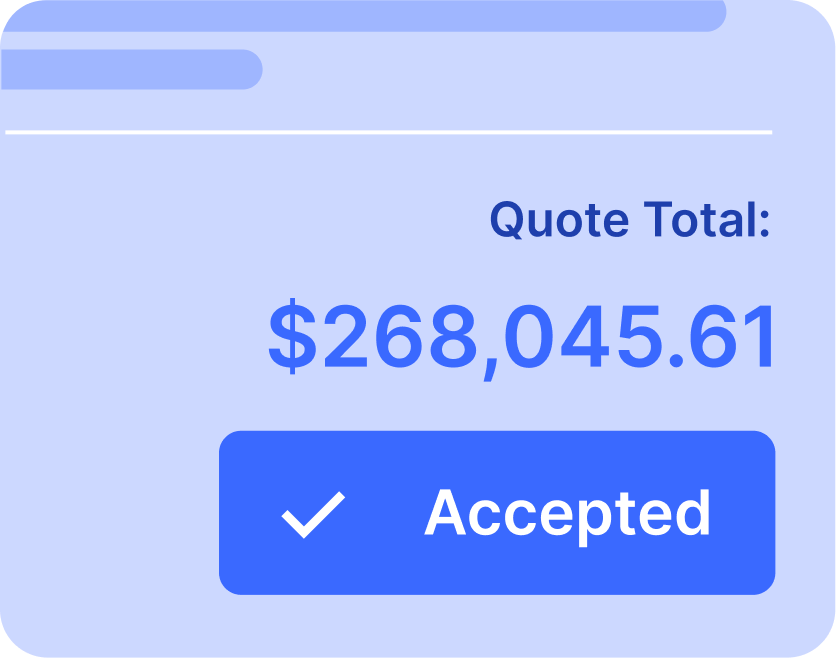
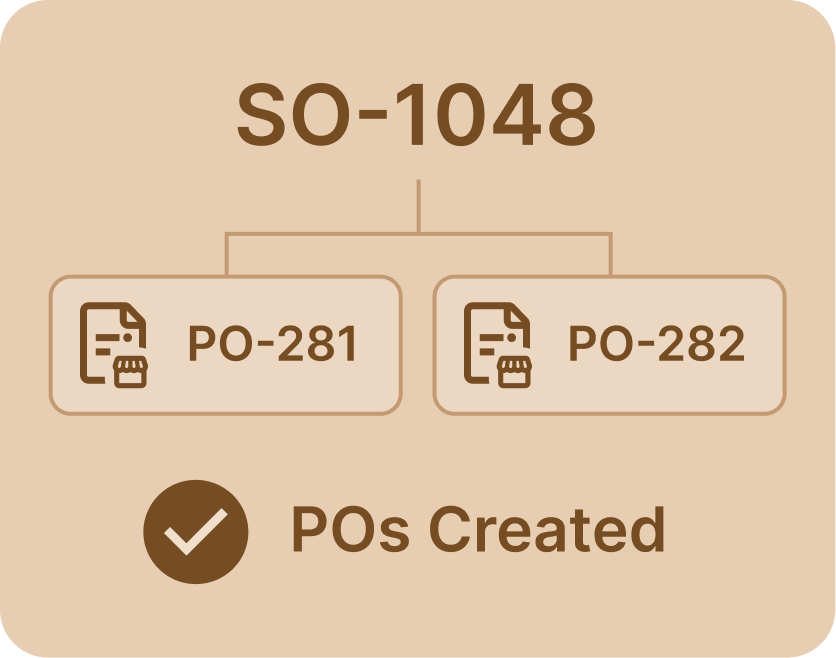
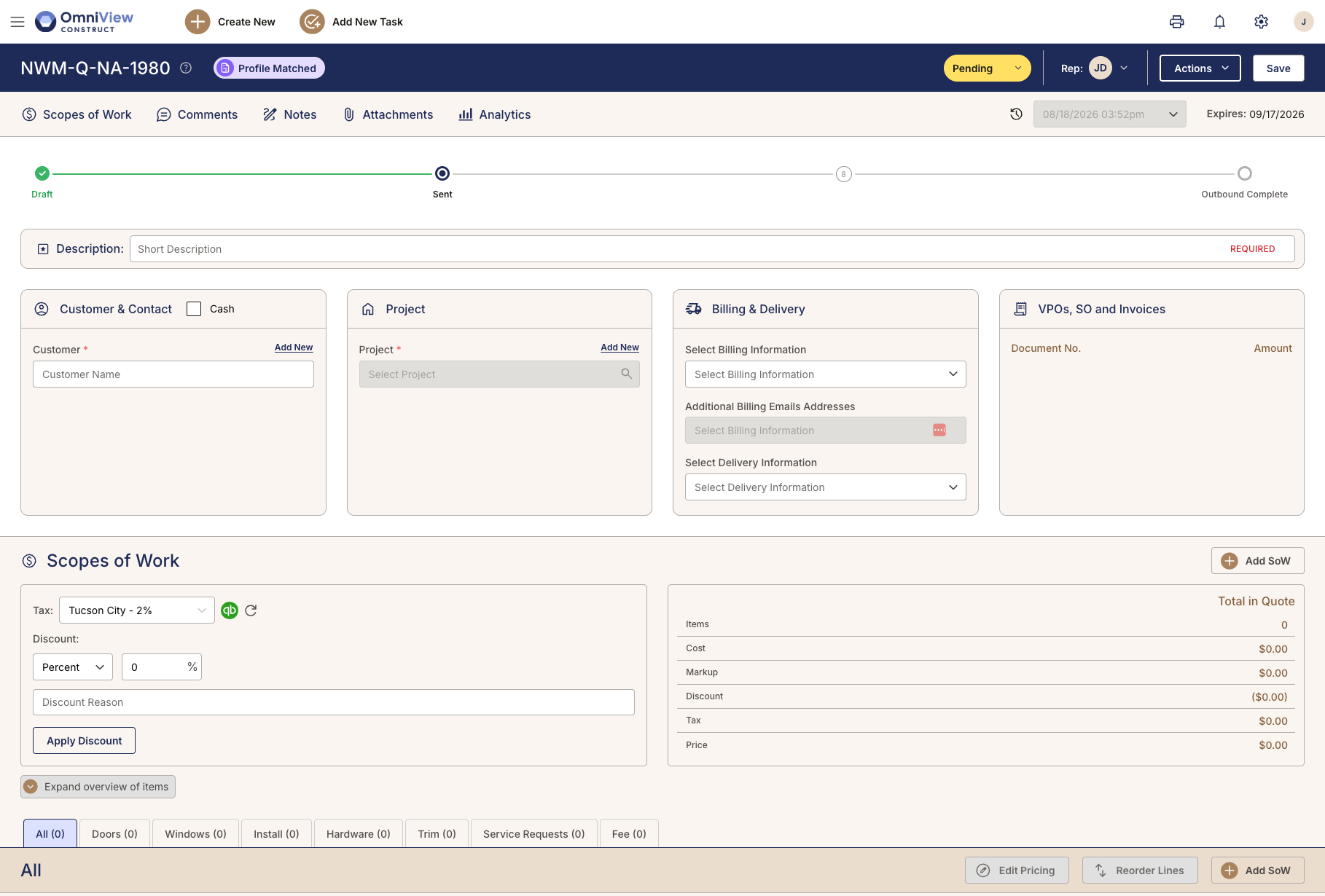
When work moves through the order, OmniView keeps pricing, customer detail, project context, and job activity connected. Invoicing starts from the same record the team already built, not a separate accounting handoff or rebuilt summary.
Connected order detail reduces billing gaps before they reach accounting.

Apply payment rules to the order
Different orders need different payment timing. Some require full payment upfront, while others follow deposits, split payments, or staged balances. OmniView applies configured payment rules so the right terms reach the right job without a manual judgment call each time.
Payment rules can follow order value, thresholds, and collection structure.

Time invoices around contractor draw dates
Contractors often draw from construction loans on fixed schedules. If an invoice misses the draw window, payment may wait until the next cycle, even on a high-value order. OmniView helps teams track draw dates and send invoices before that window closes.
Draw date visibility helps protect cash flow.

Track aging and follow-up
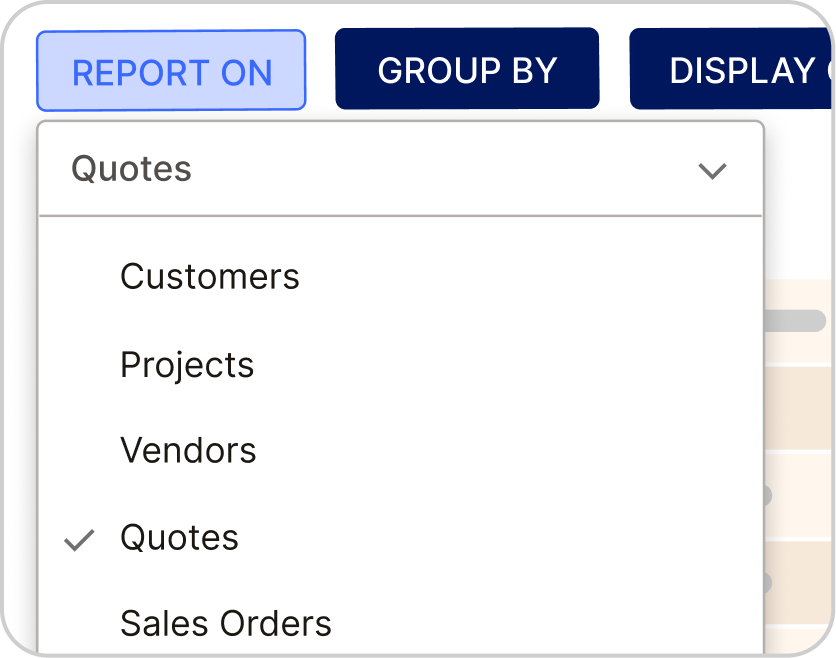
Unpaid invoices, aging accounts, and late activity stay visible through connected dashboards and QuickBooks sync. Follow-ups stay attached to the customer, project, and invoice so payment collection does not depend on someone remembering what still needs attention.
Overdue invoices stay visible until they are resolved.

Sync financial activity with QuickBooks
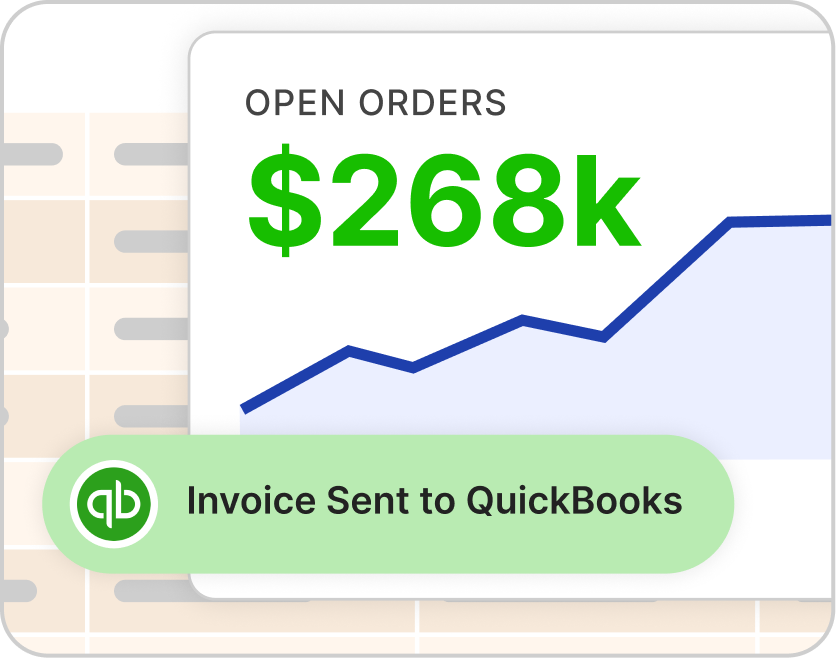
OmniView keeps customers, products, estimates, invoices, and payments aligned with QuickBooks through real-time, bi-directional sync. Accounting stays in QuickBooks while operations works from the connected job record.
QuickBooks stays current without duplicate entry.

See how OmniView keeps invoicing connected to the job.
Book a DemoFrequently Asked Questions
Yes. Invoices and deposit requests can be generated from connected customer, quote, order, project, and pricing detail so accounting does not have to rebuild the record from scratch.
Yes. Payment rules can be configured around order value and collection structure, including full payment, deposits, split payments, or staged balances.
Yes. Draw dates can be tracked so teams can time invoices around contractor funding windows and reduce avoidable payment delays on high-value jobs.
Yes. Unpaid invoices, aging accounts, and late activity stay visible through dashboards and QuickBooks sync so teams can see what needs follow-up without rebuilding a report.
Yes. OmniView integrates with QuickBooks through real-time, bi-directional sync for customers, products, estimates, invoices, and payments, keeping accounting aligned without duplicate entry.
Yes. Deposit requests and final invoices can be generated separately from the connected order record depending on the payment structure for that job.
Yes. Invoice history stays tied to the customer, order, and project record so teams can see what was billed, what was paid, and what still needs follow-up.



OmniView Construct integrates with QuickBooks via OAuth 2.0 with real-time, bi-directional sync—customers, products, estimates, invoices, and payments stay aligned automatically. Your accounting stays where it is; your operations finally connect.
Built API-first and included in every plan. Every entity is accessible via a fully documented REST API—no enterprise upsell required. Build custom dashboards, connect third–party tools, or extend the platform to fit your workflow, with secure access controls instead of direct database workarounds.